

Step 1 of 2
1. Take screenshot
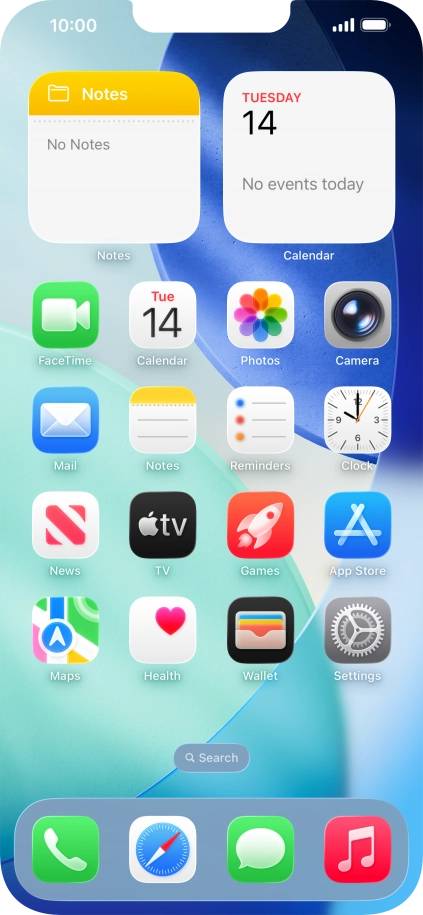
At the same time, press the Side button and the Bottom volume key to take a screenshot.


Step 2 of 2
1. Take screenshot
Follow the instructions on the screen to edit and save your screenshot.
1. Take screenshot
At the same time, press the Side button and the Bottom volume key to take a screenshot.
Follow the instructions on the screen to edit and save your screenshot.


Get the App

