Apple iPhone 15
Apple iPhone 15

Apple iPhone 15

iOS 26

Turn optimised battery charging on your Apple iPhone 15 iOS 26 on or off

Using optimised battery charging, your phone reduces the time it spends fully charged which prolongs the overall battery life.

Step 1 of 5

1. Find "Charging"

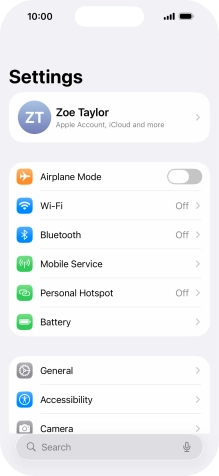
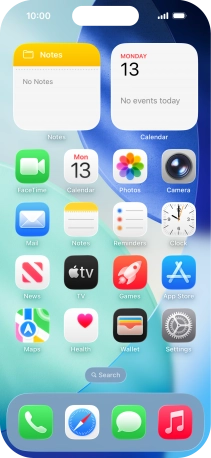
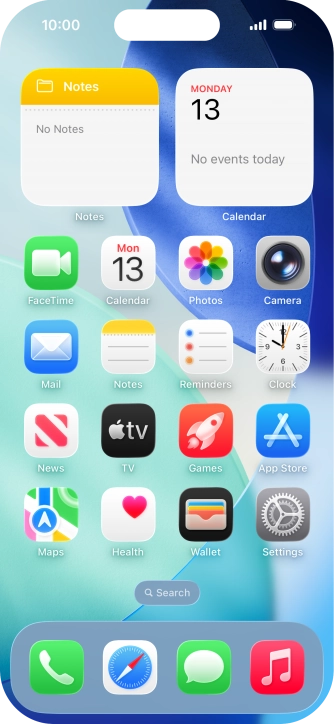
Press Settings.
Step 2 of 5

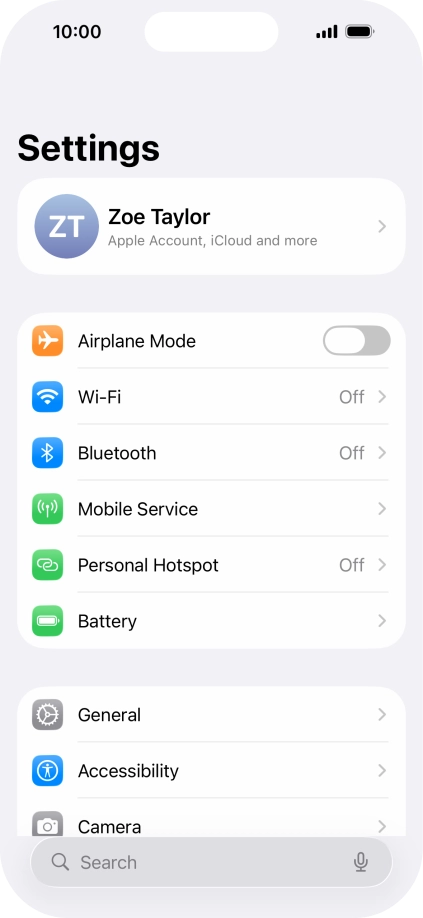
1. Find "Charging"

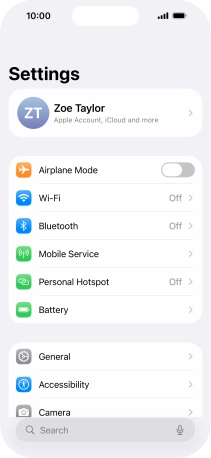
Press Battery.

Step 3 of 5

1. Find "Charging"

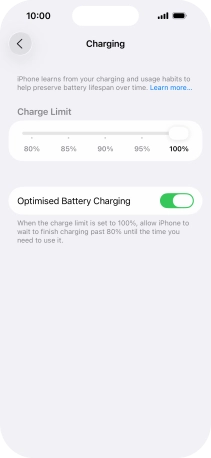
Press Charging.

Step 4 of 5

2. Use optimised battery charging

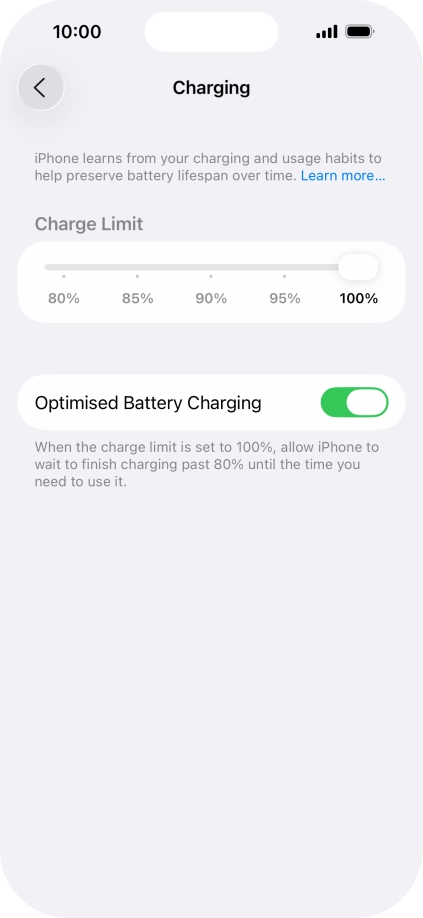
Press the indicator next to "Optimised Battery Charging" to turn the function on or off.

Step 5 of 5

3. Return to the home screen

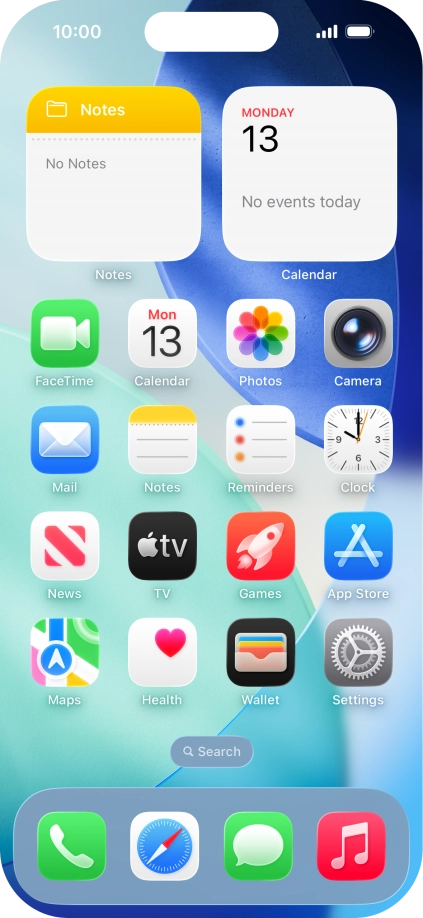
Slide your finger upwards starting from the bottom of the screen to return to the home screen.

1. Find "Charging"

Press Settings.
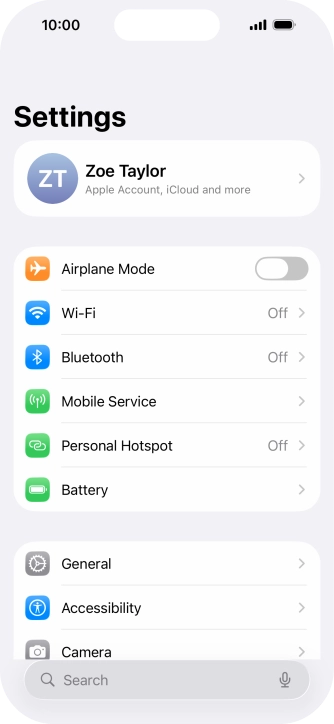
Press Battery.
Press Charging.

2. Use optimised battery charging

Press the indicator next to "Optimised Battery Charging" to turn the function on or off.

3. Return to the home screen

Slide your finger upwards starting from the bottom of the screen to return to the home screen.

Get information on...

Or choose...