
Apple iPhone 15 Pro Max

Apple iPhone 15 Pro Max

iOS 17

Short battery life on my Apple iPhone 15 Pro Max iOS 17

Cause 11 of 15: Low Power Mode has been turned off

You can reduce the power consumption by turning on Low Power Mode.

Solution: Turn on Low Power Mode.

Step 1 of 4

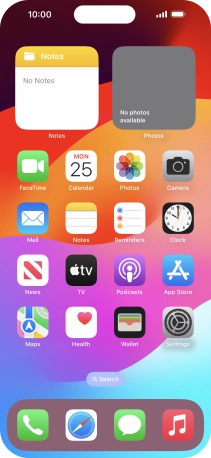
Find "Battery"

Press Settings.

Step 2 of 4

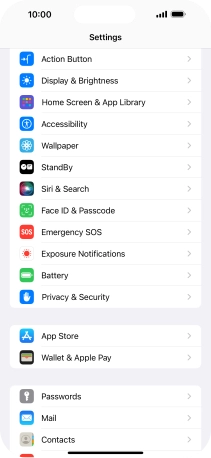
Find "Battery"

Press Battery.

Step 3 of 4

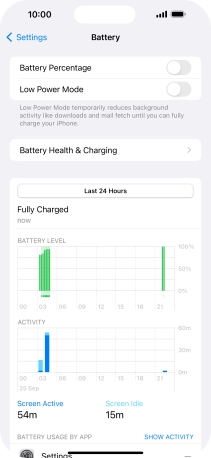
Extend the battery life

Press the indicator next to "Low Power Mode" to turn on the function.

Step 4 of 4

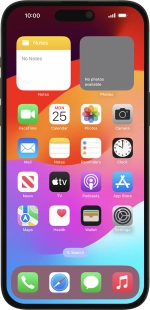
Return to the home screen

Slide your finger upwards starting from the bottom of the screen to return to the home screen.

1 Find "Battery"

Press Settings.
Press Battery.

2 Extend the battery life

Press the indicator next to "Low Power Mode" to turn on the function.

3 Return to the home screen

Slide your finger upwards starting from the bottom of the screen to return to the home screen.

Did this solve the problem?

Yes - All solved No - Go to next cause

Get information on...

Or choose...