

Apple iPhone 17
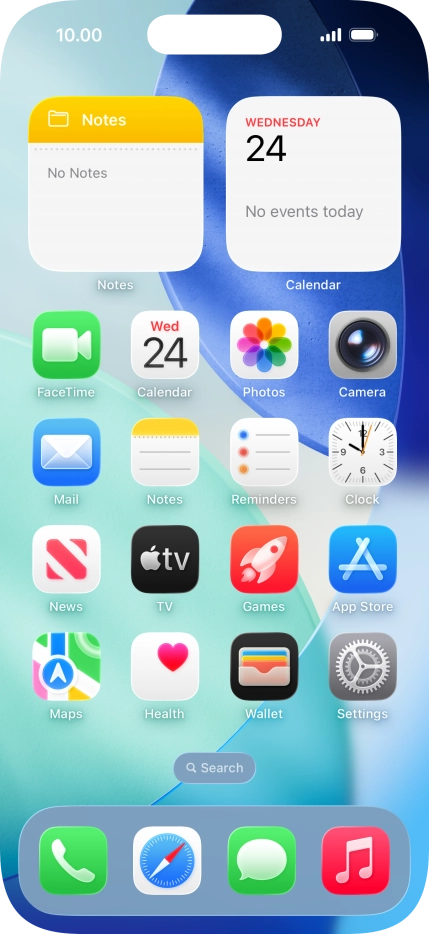
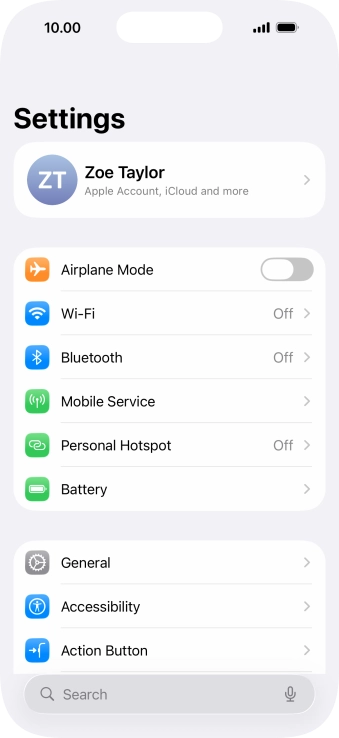
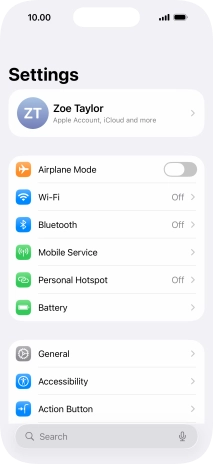
1. Find "Date & Time"
Press Settings.
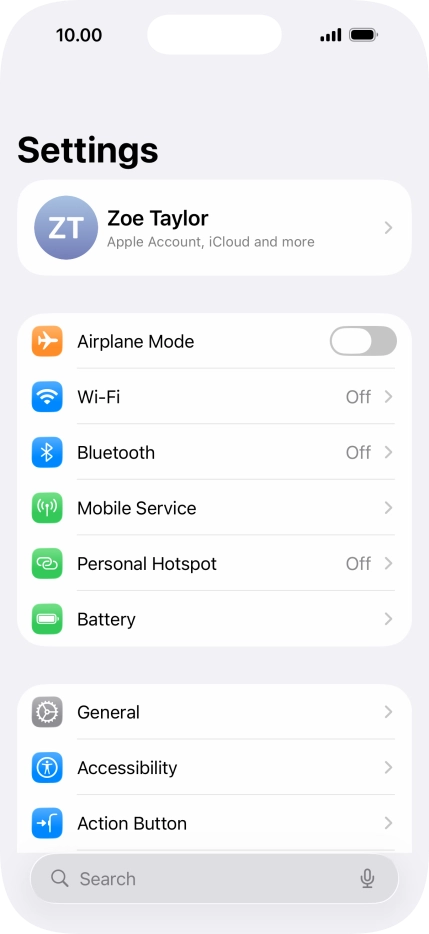
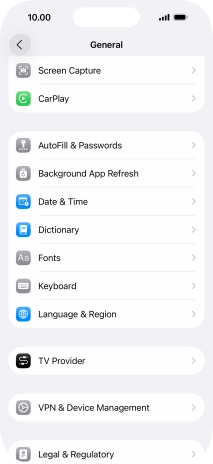
1. Find "Date & Time"
Press General.
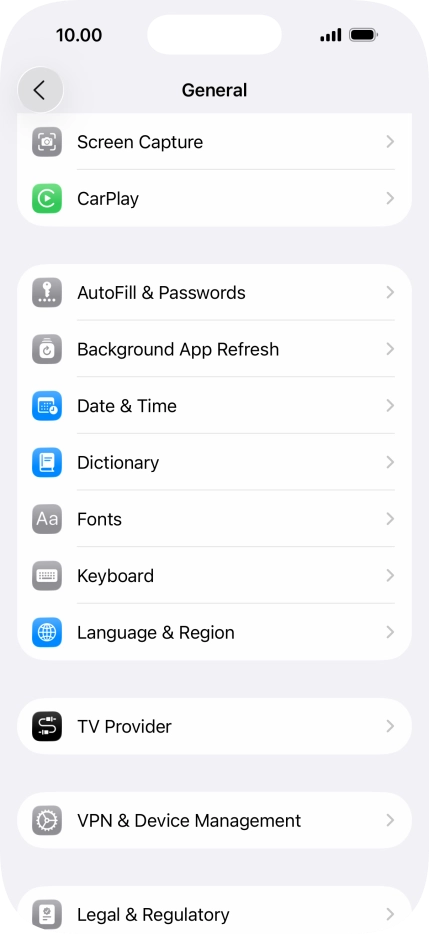
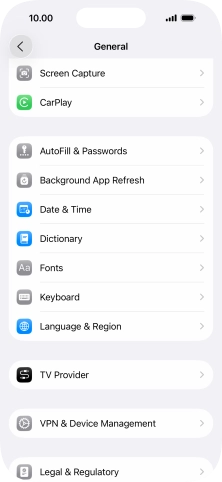
1. Find "Date & Time"
Press Date & Time.
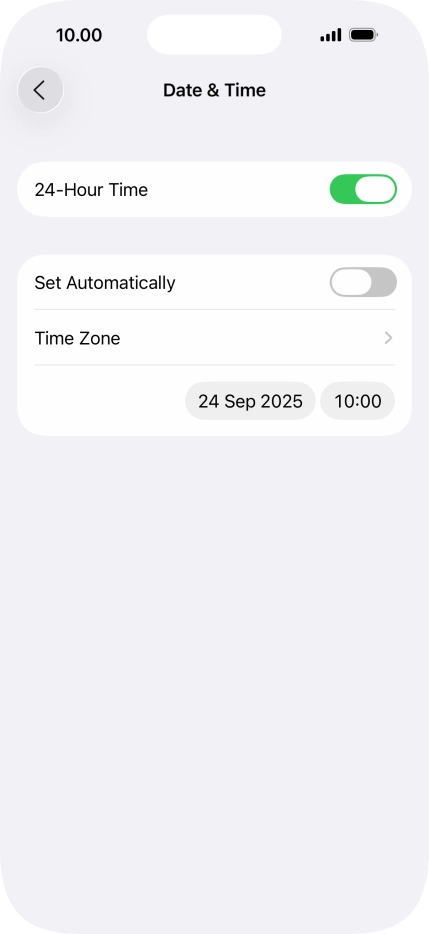
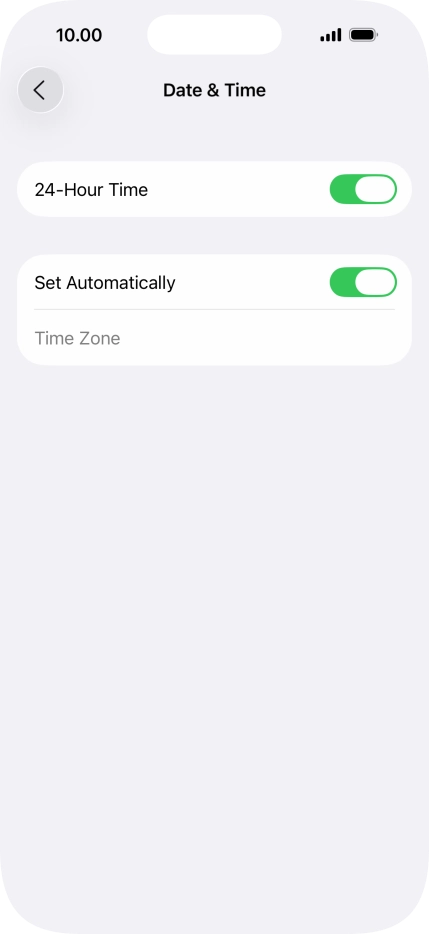
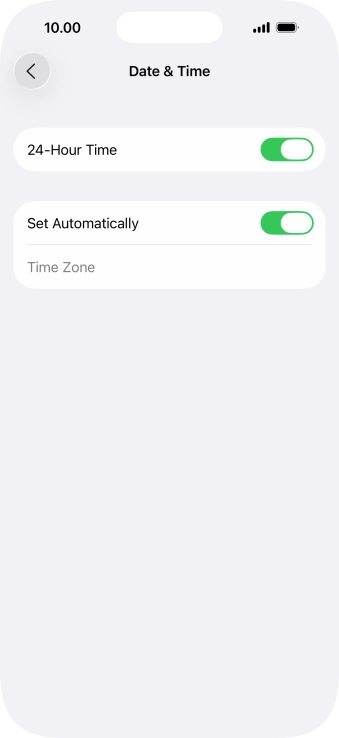
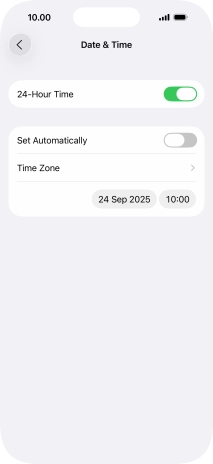
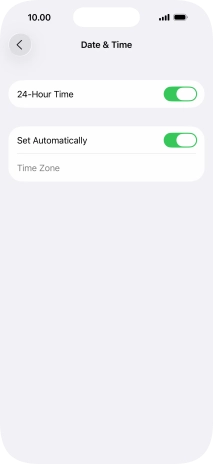
2. Turn on automatic update of time zone, time and date.
Press the indicator next to "Set Automatically" to turn on the function.
3. Return to the home screen
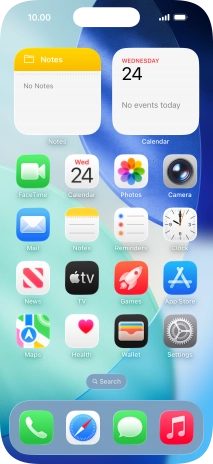
Slide your finger upwards starting from the bottom of the screen to return to the home screen.
1. Find "Date & Time"
2. Turn on automatic update of time zone, time and date.
3. Return to the home screen


Get the App

