Apple iPhone 17
Apple iPhone 17

Apple iPhone 17

iOS 26

Use recording of app activity on your Apple iPhone 17 iOS 26

You can set your phone to save information about what data your apps have had access to during the last period of time.

Step 1 of 5

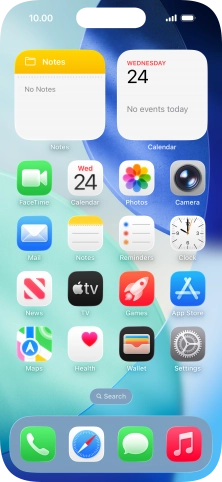
1. Find "App Privacy Report"

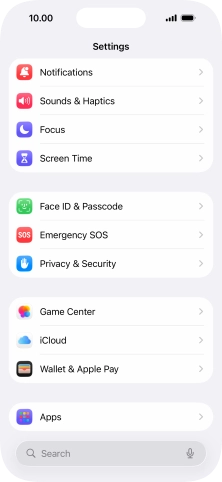
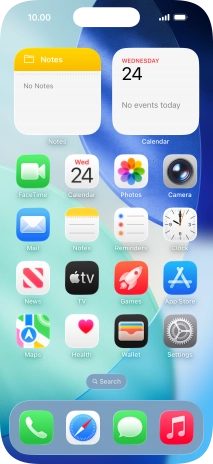
Press Settings.
Step 2 of 5

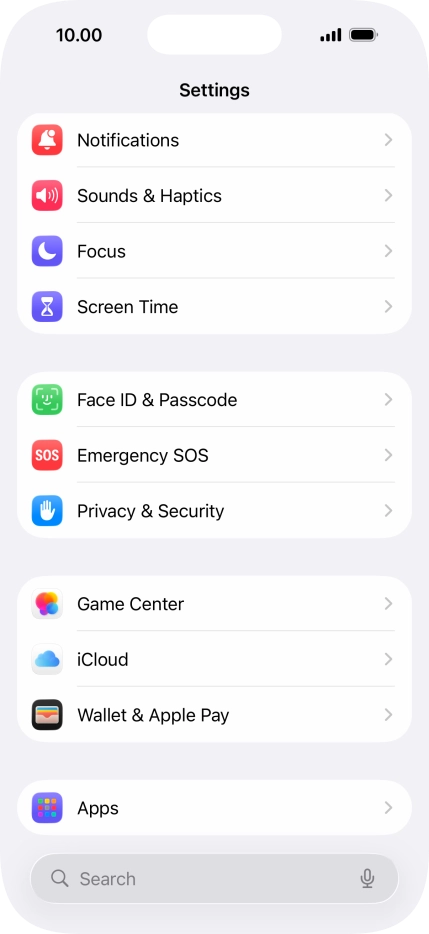
1. Find "App Privacy Report"

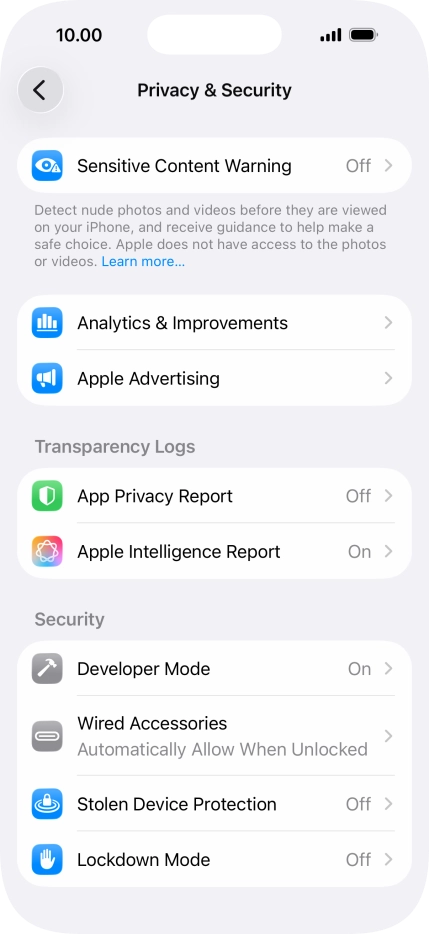
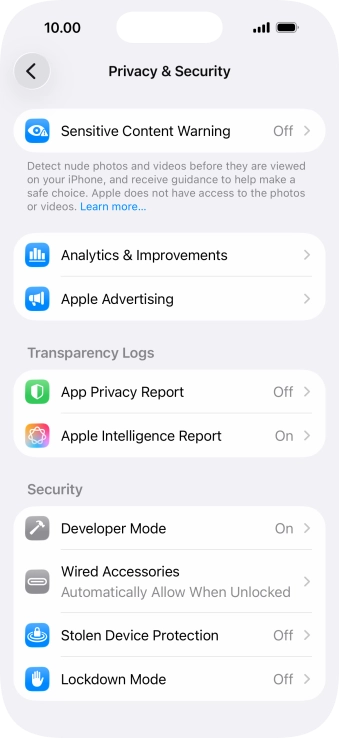
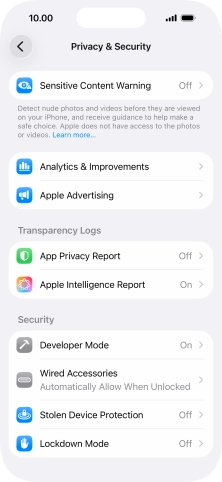
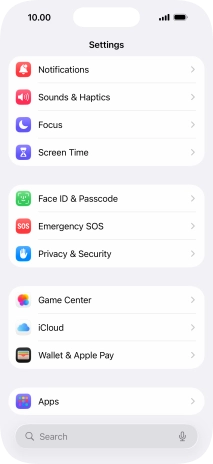
Press Privacy & Security.

Step 3 of 5

1. Find "App Privacy Report"

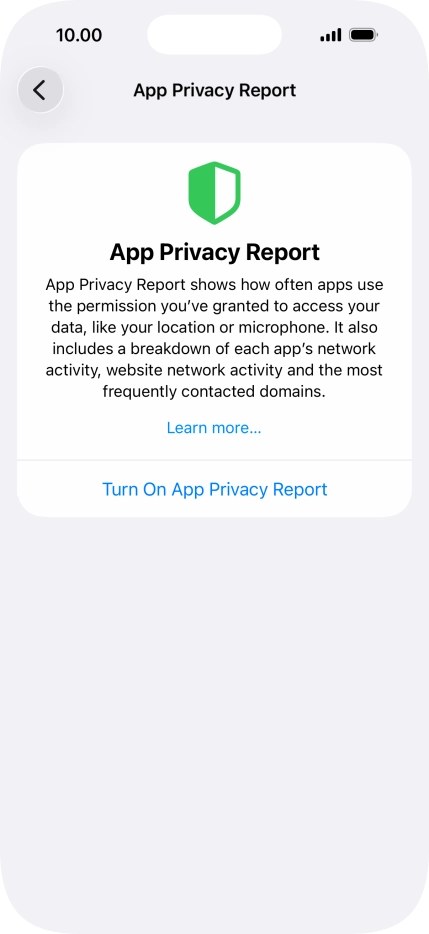
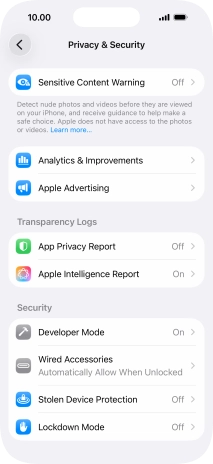
Press App Privacy Report.

Step 4 of 5

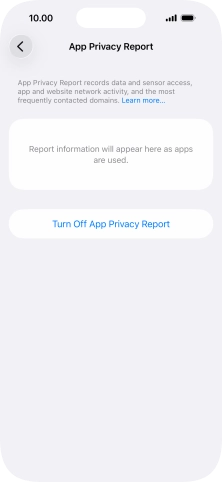
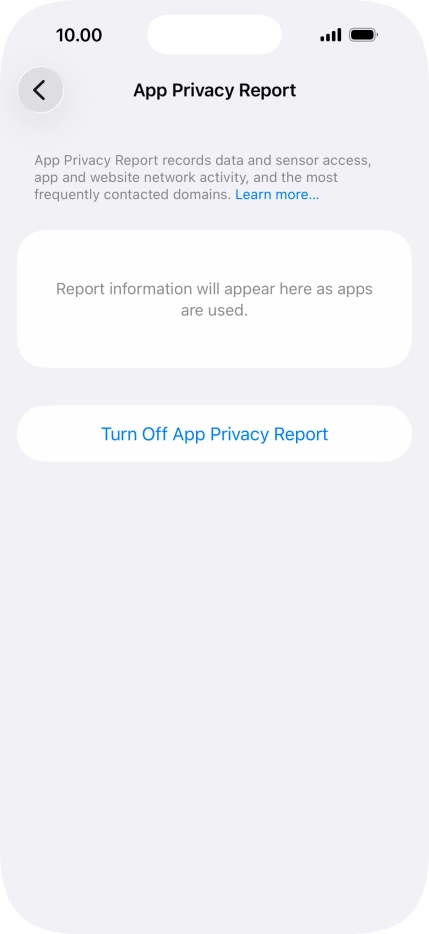
2. Turn on app activity recording

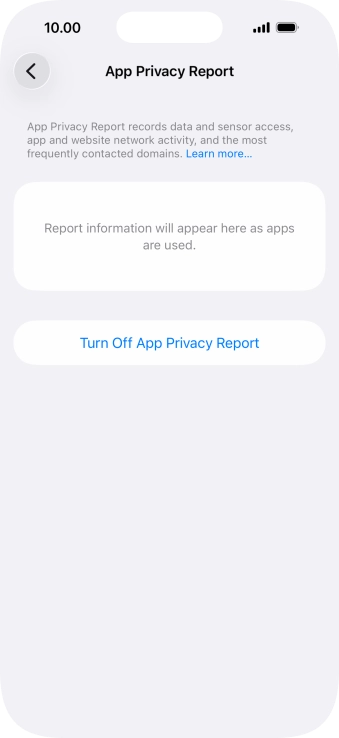
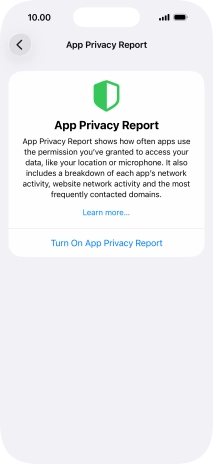
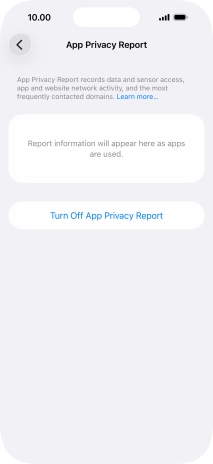
Press Turn On App Privacy Report to turn on the function.

Step 5 of 5

3. Return to the home screen

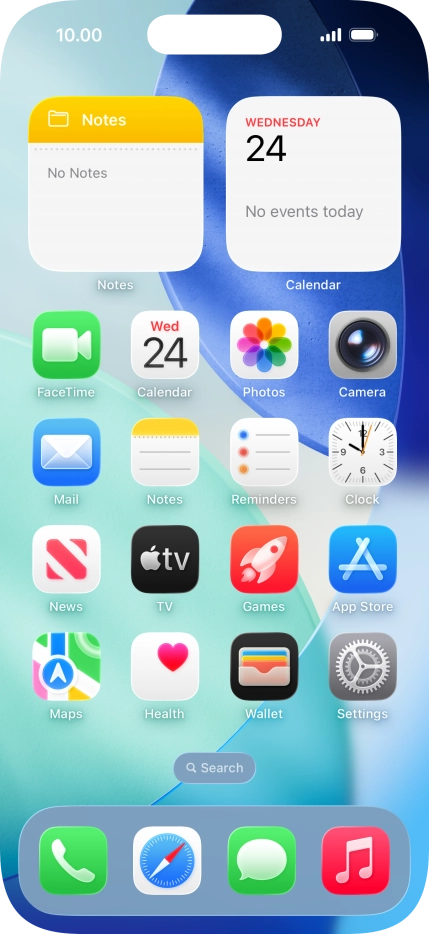
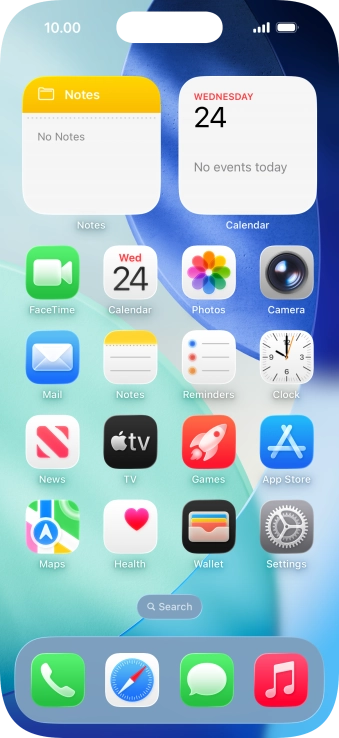
Slide your finger upwards starting from the bottom of the screen to return to the home screen.

1. Find "App Privacy Report"

Press Settings.
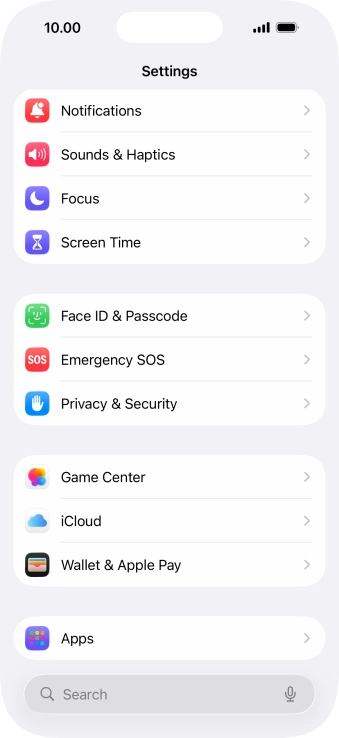
Press Privacy & Security.
Press App Privacy Report.

2. Turn on app activity recording

Press Turn On App Privacy Report to turn on the function.
3. Return to the home screen

Slide your finger upwards starting from the bottom of the screen to return to the home screen.

Get information on...

Or choose...