

Apple iPhone SE (2022)
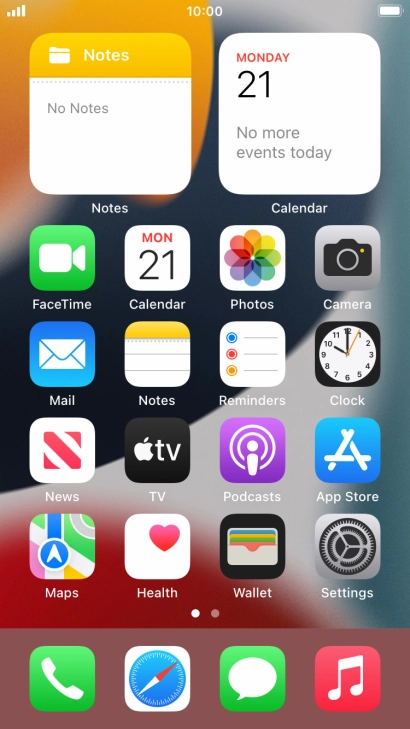
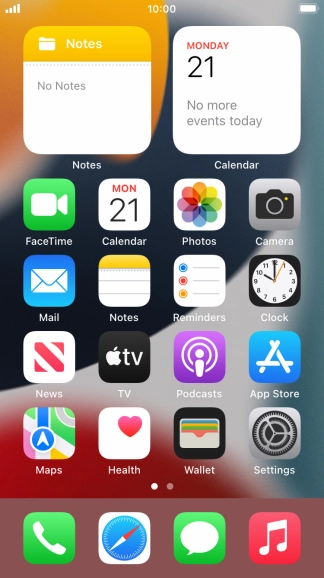
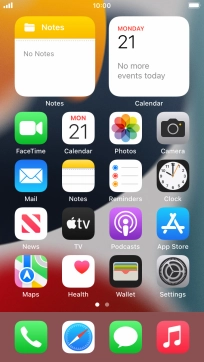
Find "Keypad"
Press the phone icon.
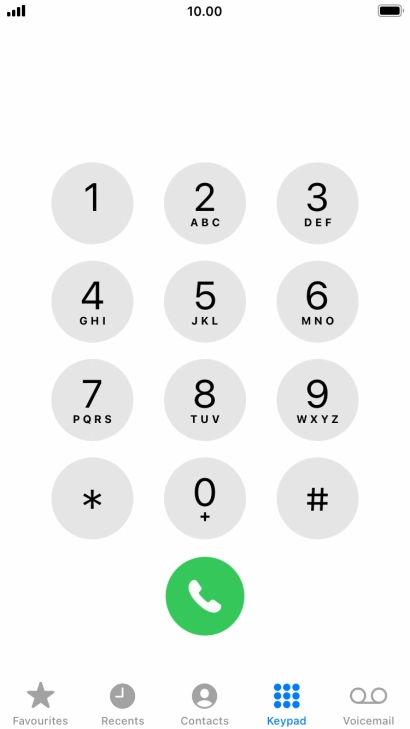
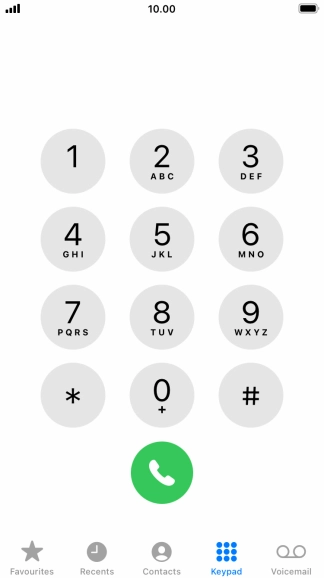
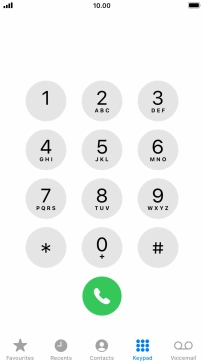
Find "Keypad"
Press Keypad.
Divert all calls
Key in **21*121# and press the call icon.
Divert missed calls
Key in **61*121*20# and press the call icon.
Divert if unavailable
Key in **62*121# and press the call icon.
Divert if busy
Key in **67*121# and press the call icon.
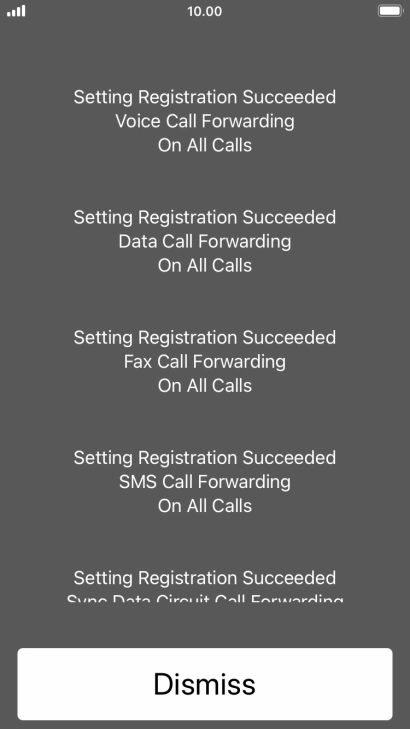
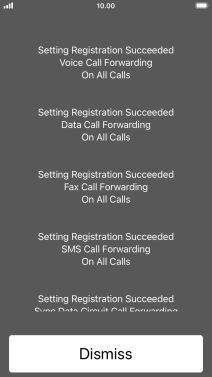
End call
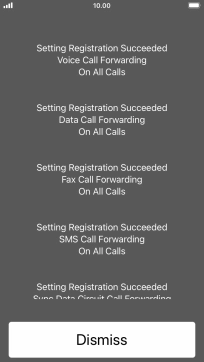
Press Dismiss.
Return to the home screen
Press the Home key to return to the home screen.
1 Find "Keypad"
2 Divert all calls
3 Divert missed calls
4 Divert if unavailable
5 Divert if busy
6 End call
7 Return to the home screen


Get the App

