

Google Pixel 10
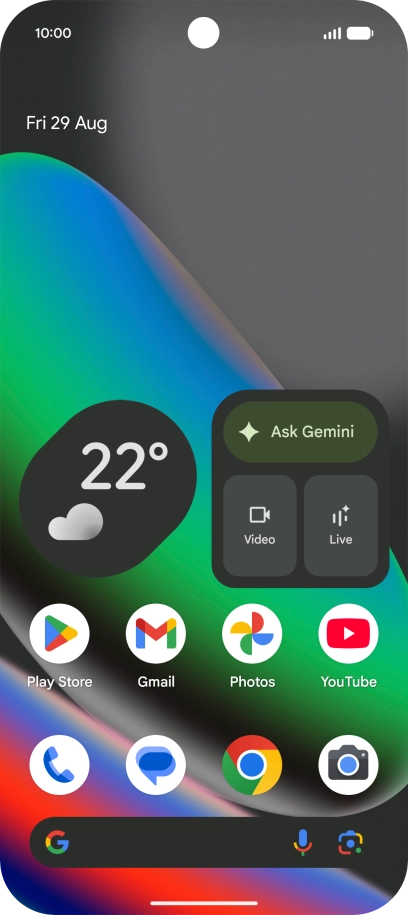
1. Find "Passwords, passkeys and accounts"
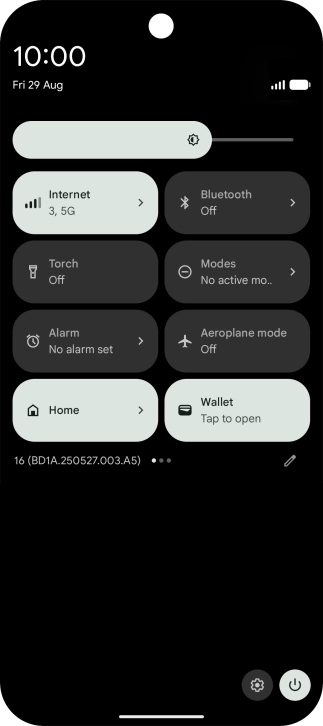
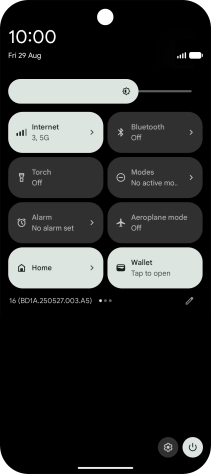
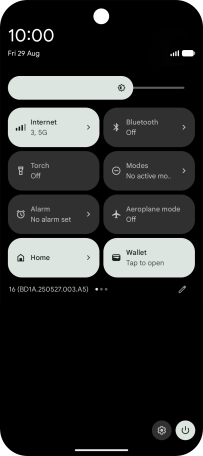
Slide two fingers downwards starting from the top of the screen.
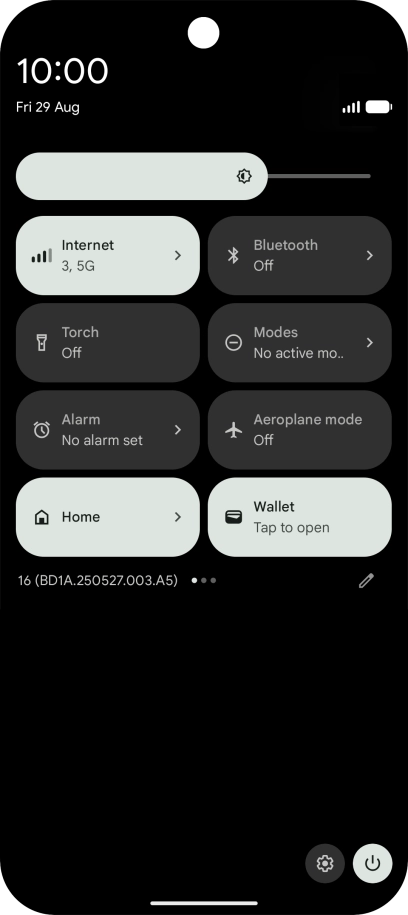
1. Find "Passwords, passkeys and accounts"
Press the settings icon.
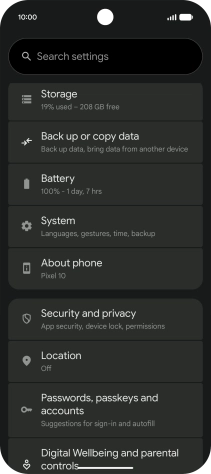
1. Find "Passwords, passkeys and accounts"
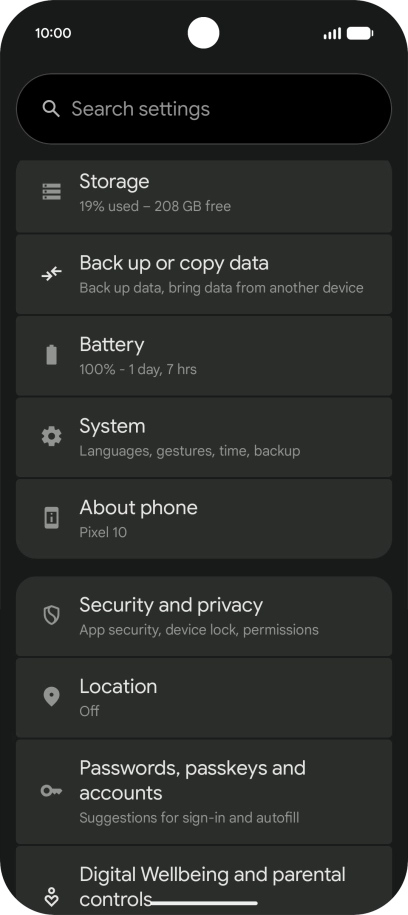
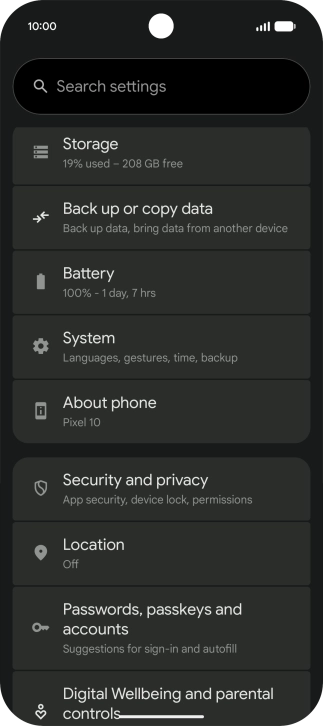
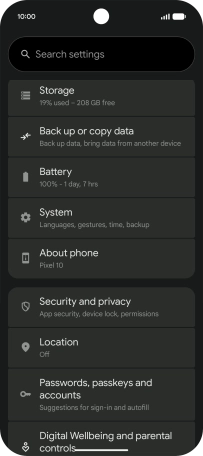
Press Passwords, passkeys and accounts.
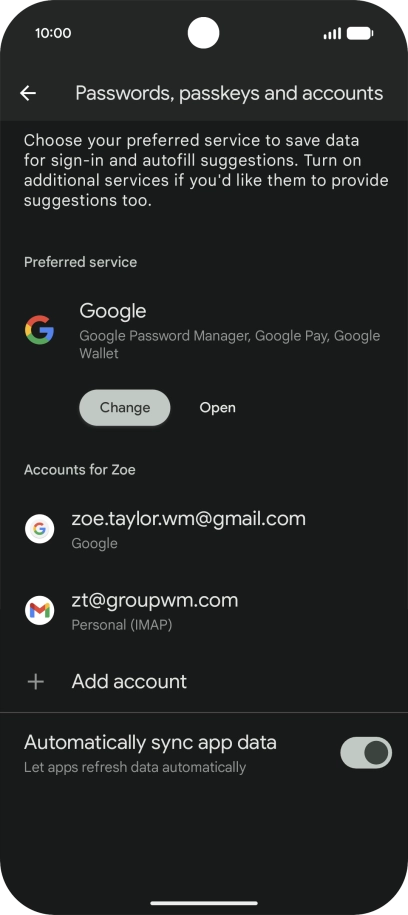
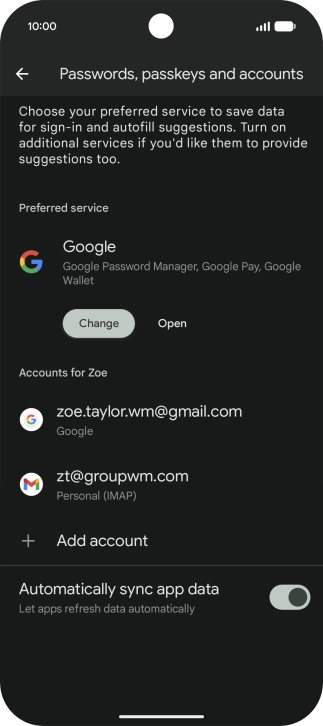
2. Turn automatic synchronisation of content on or off
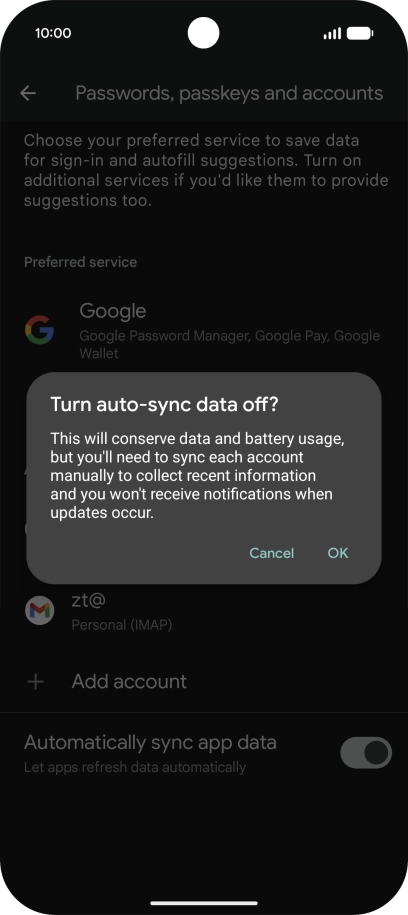
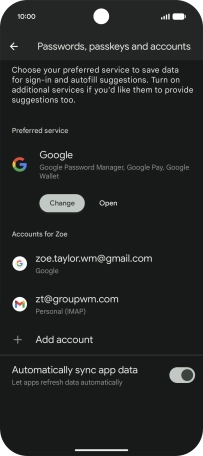
Press the indicator next to "Automatically sync app data" to turn the function on or off.
2. Turn automatic synchronisation of content on or off
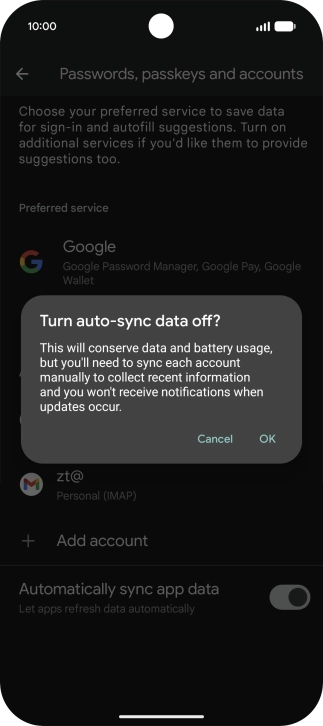
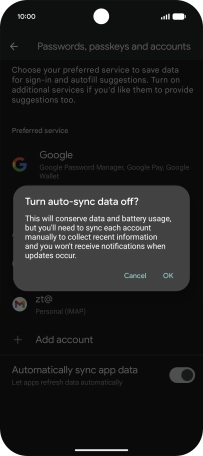
Press OK.
3. Return to the home screen
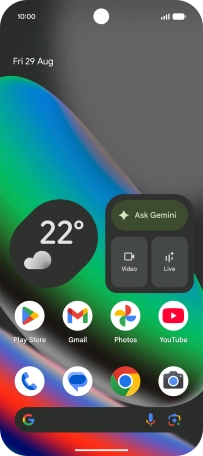
Slide your finger upwards starting from the bottom of the screen to return to the home screen.
1. Find "Passwords, passkeys and accounts"
2. Turn automatic synchronisation of content on or off
3. Return to the home screen


Get the App

