

Google Pixel 10
Android 16
0000
Step 2 of 4
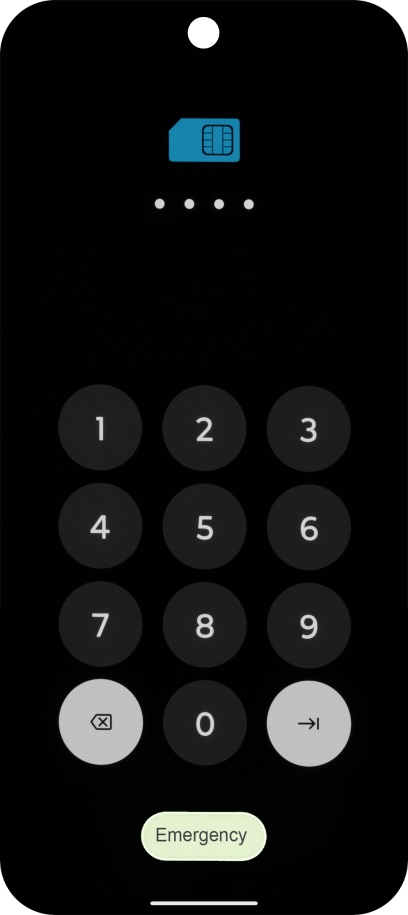
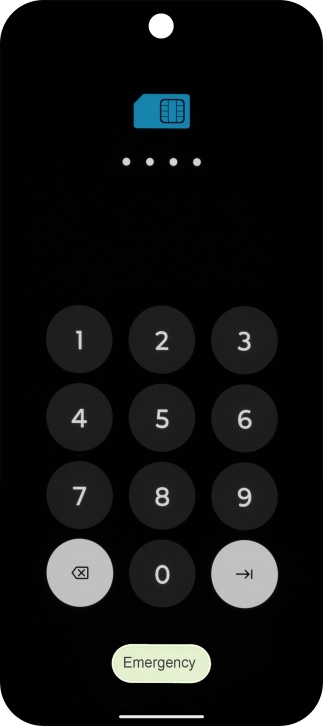
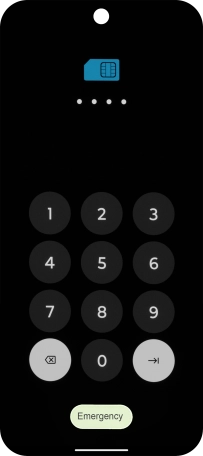
2. Enter your PIN
If you're asked to key in your PIN, do so and press arrow right. The default PIN is 0000.
If an incorrect PIN is entered three times in a row, your SIM will be blocked. To unblock your SIM, you'll need to key in your PUK. The PUK can be obtained by contacting customer services. Please note: If you key in the wrong PUK ten times in a row, your SIM will be blocked permanently. In this case, you need a new SIM from Lebara.
Step 4 of 4
3. Turn off your phone
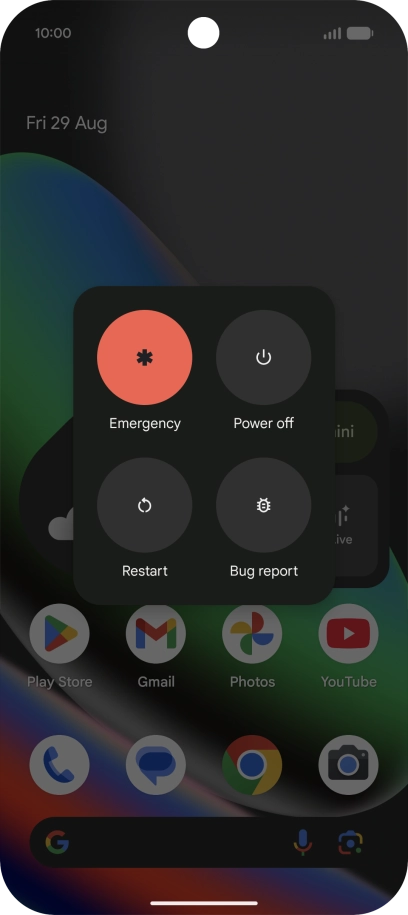
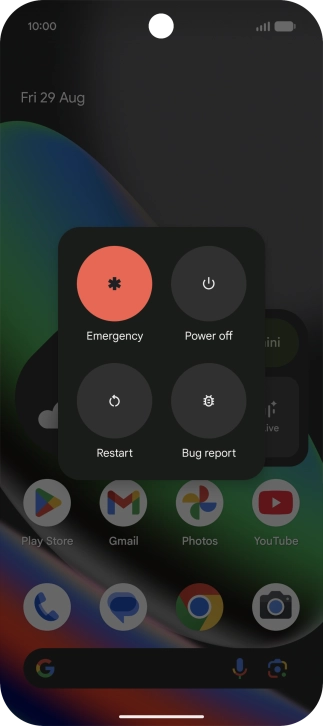
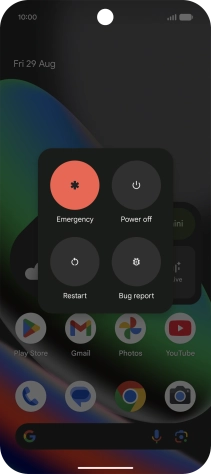
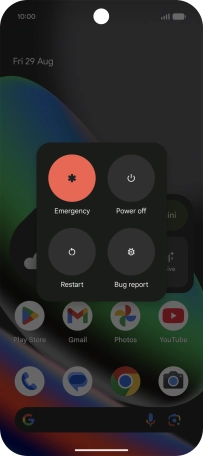
Press Power off.
1. Turn on your phone
Press and hold the Side key until your phone is turned on.
2. Enter your PIN
If you're asked to key in your PIN, do so and press arrow right. The default PIN is 0000.
If an incorrect PIN is entered three times in a row, your SIM will be blocked. To unblock your SIM, you'll need to key in your PUK. The PUK can be obtained by contacting customer services. Please note: If you key in the wrong PUK ten times in a row, your SIM will be blocked permanently. In this case, you need a new SIM from Lebara.
0000
3. Turn off your phone
At the same time, press the Side key and the upper part of the Volume key.
Press Power off.


Get the App

