Login
Basket
Getting started
Basic functions
Calls and contacts
Messaging
Office and leisure
Connectivity
Specifications
Cause 1 of 10: The phone is overloaded for unknown causes
If your phone is overloaded, you can't make any calls. It may help restarting it.
Solution: Restart your phone.
Restart your phone
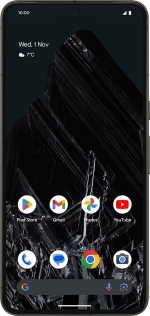
Press and hold the Side key for about 30 seconds to restart your phone.
Or choose...