Motorola Moto G8 Power Lite

Motorola Moto G8 Power Lite
Android 9.0

Short battery life on my Motorola Moto G8 Power Lite Android 9.0
Cause 10 of 14: Automatic content synchronisation is turned on

If automatic content synchronisation is turned on, the power consumption may increase.

Solution: Turn off automatic content synchronisation.

Step 1 of 6

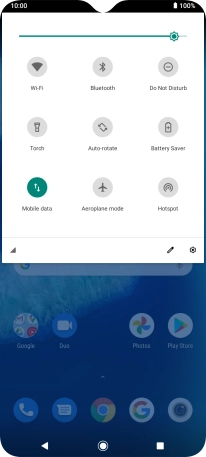
Find "Accounts"

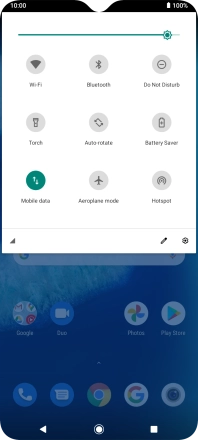
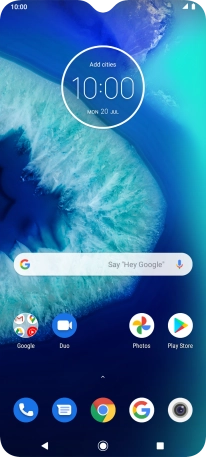
Slide two fingers downwards starting from the top of the screen.
Step 2 of 6

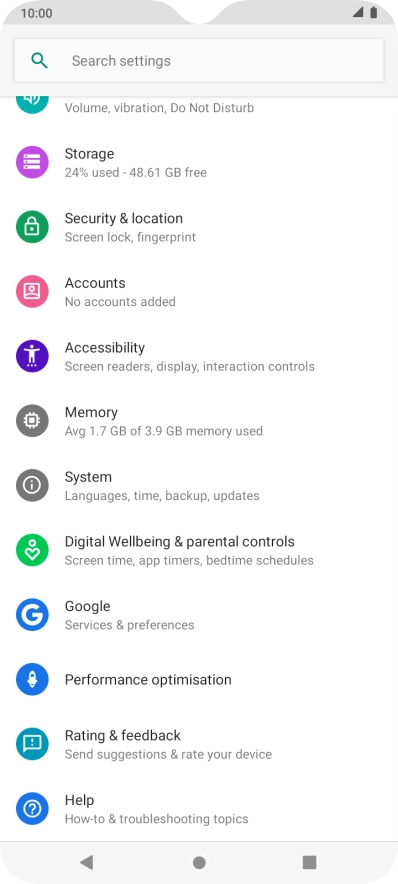
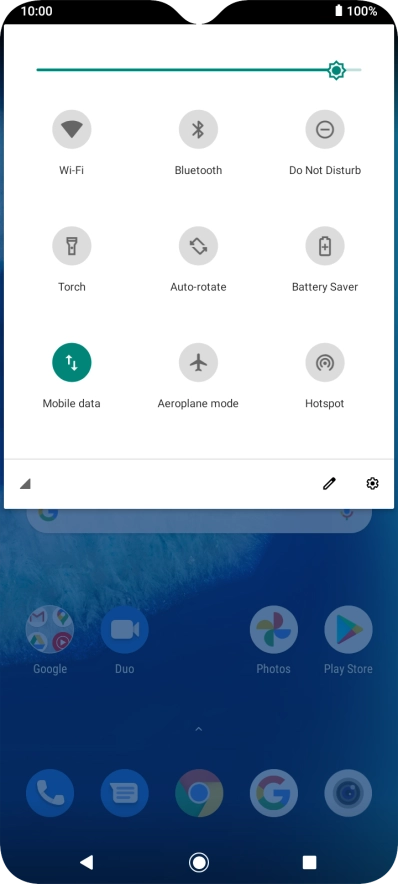
Find "Accounts"

Press the settings icon.

Step 3 of 6

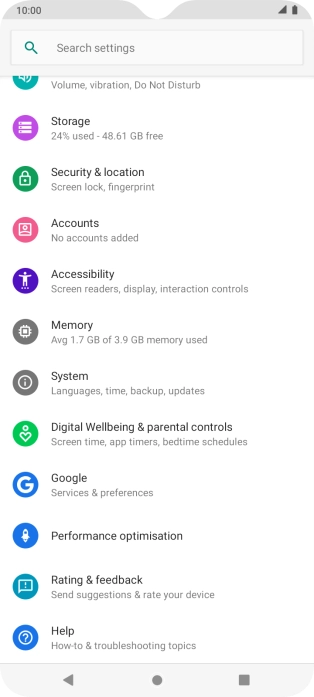
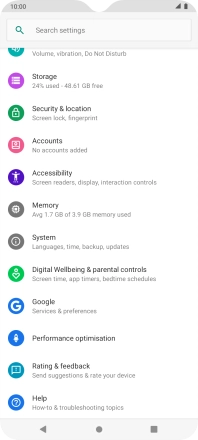
Find "Accounts"

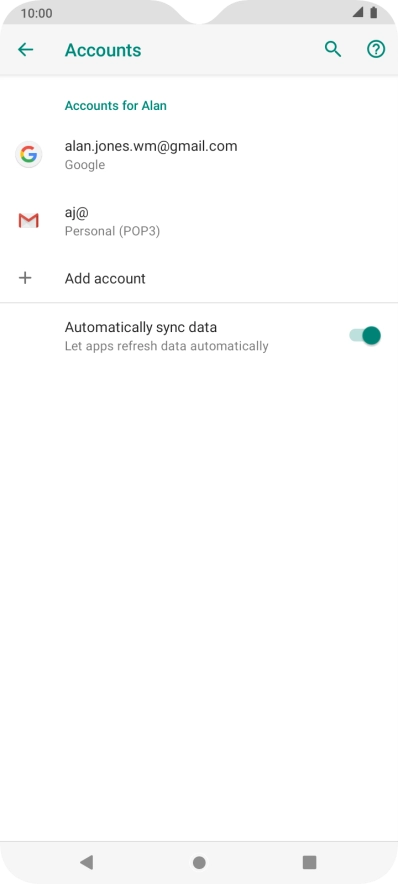
Press Accounts.

Step 4 of 6

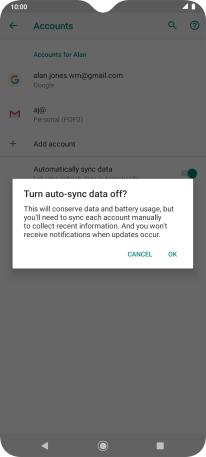
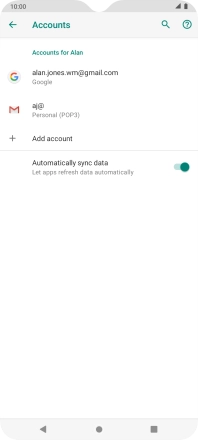
Turn automatic synchronisation of content on or off

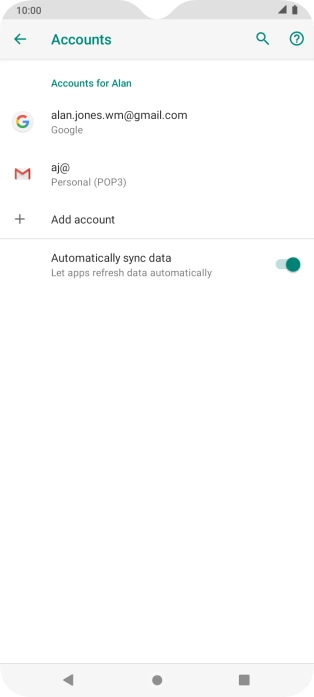
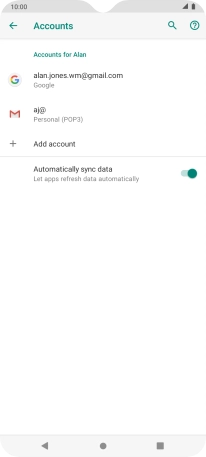
Press the indicator next to "Automatically sync data" to turn the function on or off.

Step 5 of 6

Turn automatic synchronisation of content on or off

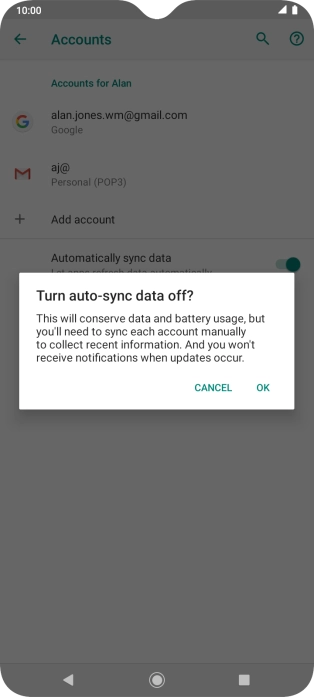
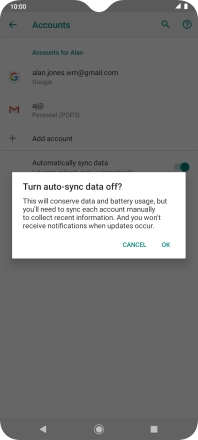
Press OK.

Step 6 of 6

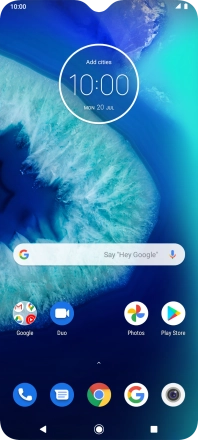
Return to the home screen

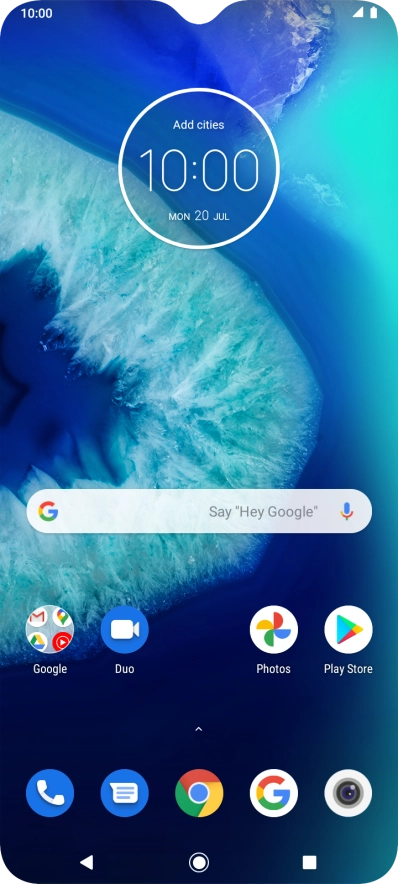
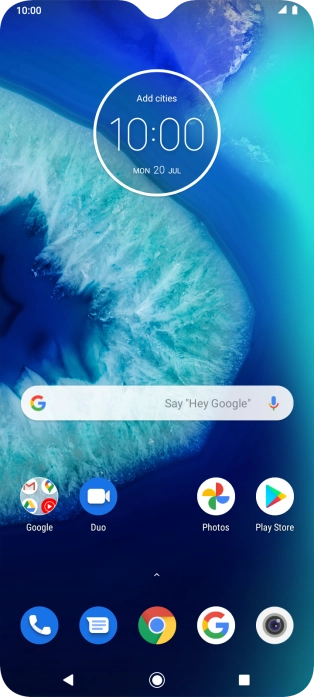
Press the Home key to return to the home screen.

1 Find "Accounts"

Slide two fingers downwards starting from the top of the screen.
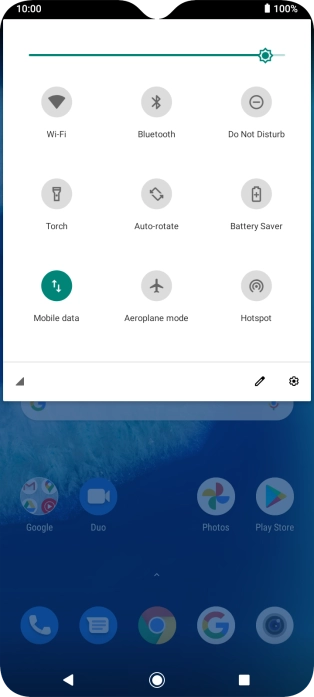
Press the settings icon.
Press Accounts.

2 Turn automatic synchronisation of content on or off

Press the indicator next to "Automatically sync data" to turn the function on or off.
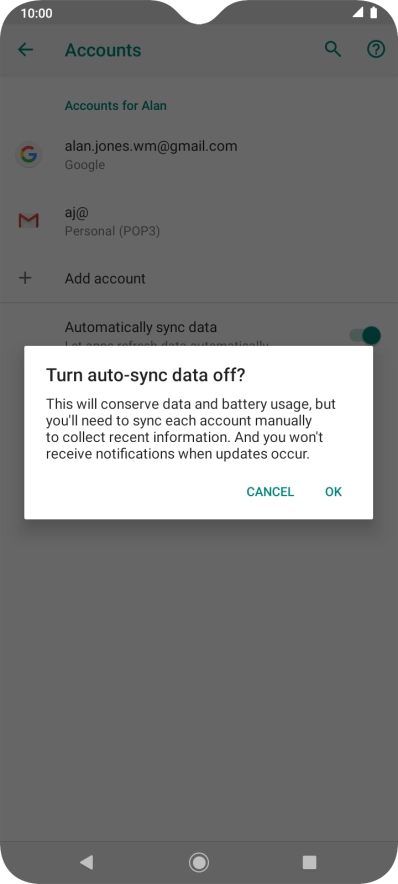
Press OK.

3 Return to the home screen

Press the Home key to return to the home screen.

Did this solve the problem?

Yes - All solved No - Go to next cause

Get information on...

Or choose...