

Motorola Moto G8 Power Lite
Android 9.0
Step 1 of 3
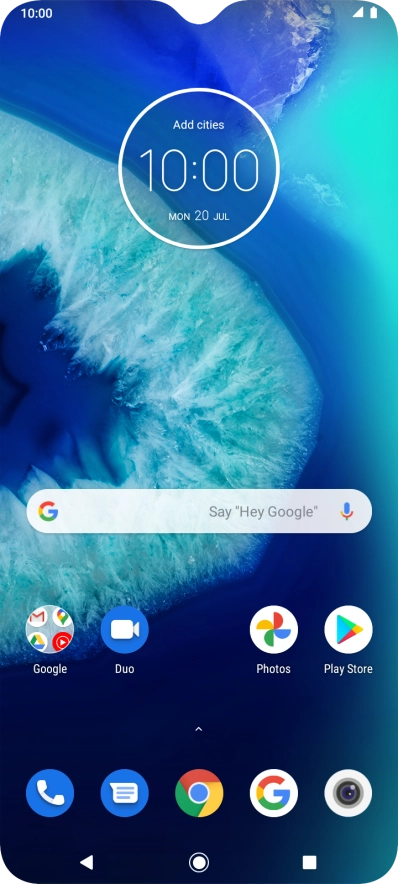
Extend the battery life
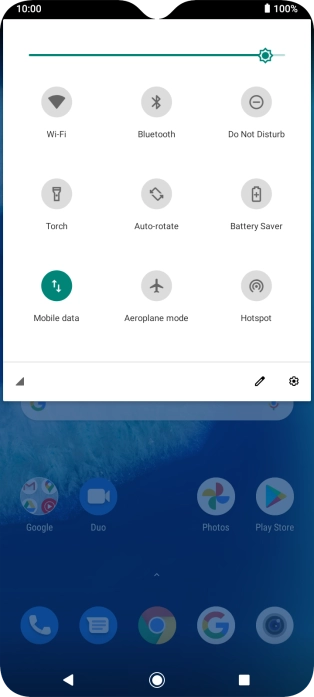
Slide two fingers downwards starting from the top of the screen.
Step 2 of 3
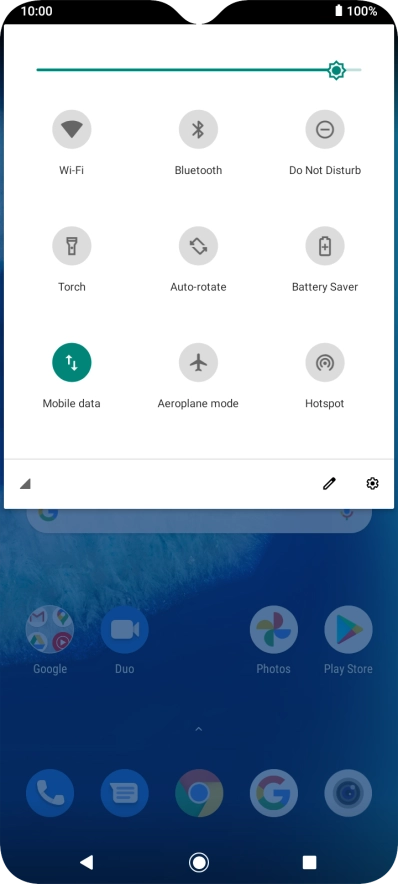
Extend the battery life
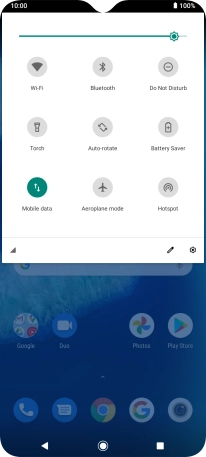
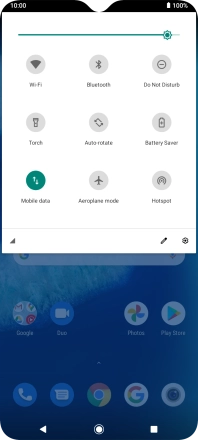
Press Battery Saver to turn on the function.


Step 3 of 3
Return to the home screen
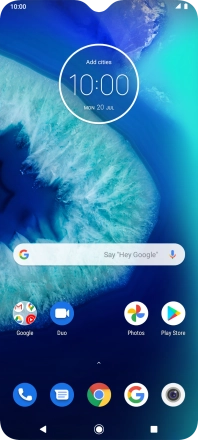
Press the Home key to return to the home screen.
1 Extend the battery life
Slide two fingers downwards starting from the top of the screen.
Press Battery Saver to turn on the function.
2 Return to the home screen
Press the Home key to return to the home screen.


Get the App

