OnePlus Nord 2 5G
OnePlus Nord 2 5G

OnePlus Nord 2 5G

Android 11.0

I can't make voice calls on my OnePlus Nord 2 5G Android 11.0

Cause 1 of 3: Missed calls are diverted too fast

Your missed calls are diverted after a specified number of seconds. If your calls are diverted too fast, you need to select a longer period of time.

Solution: Set divert delay.

Step 1 of 10

Find "Call forwarding"

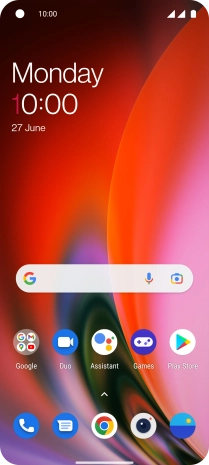
Press the phone icon.
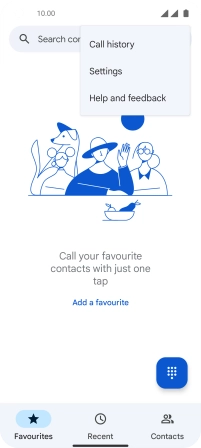
Step 2 of 10

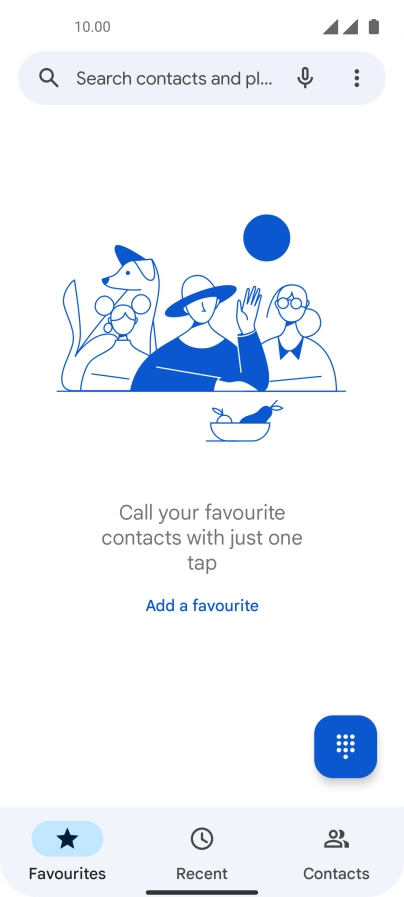
Find "Call forwarding"

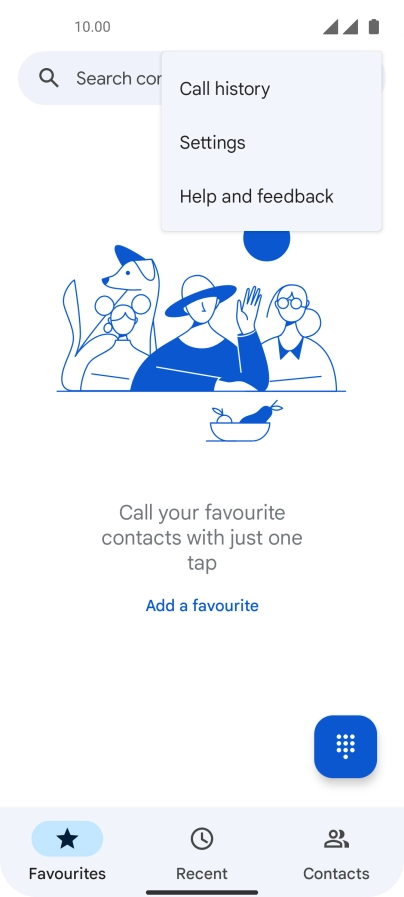
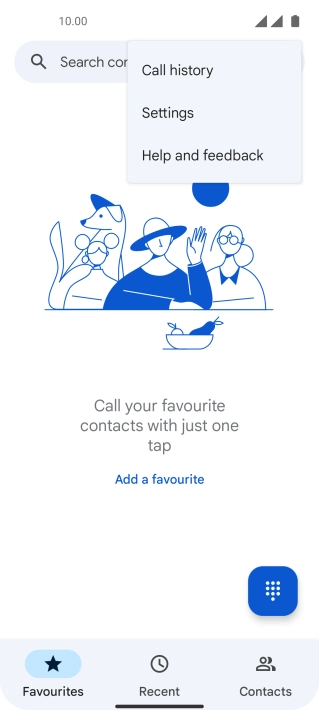
Press the menu icon.

Step 3 of 10

Find "Call forwarding"

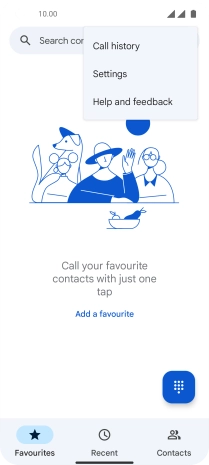
Press Settings.

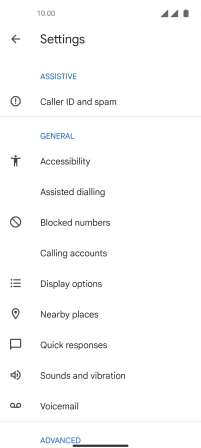
Step 4 of 10

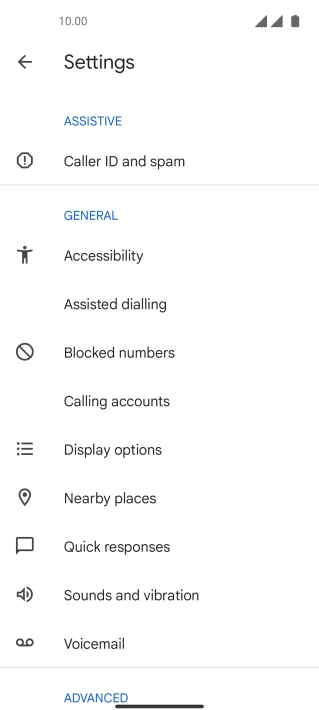
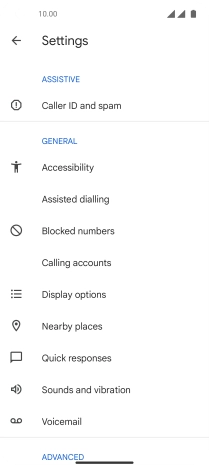
Find "Call forwarding"

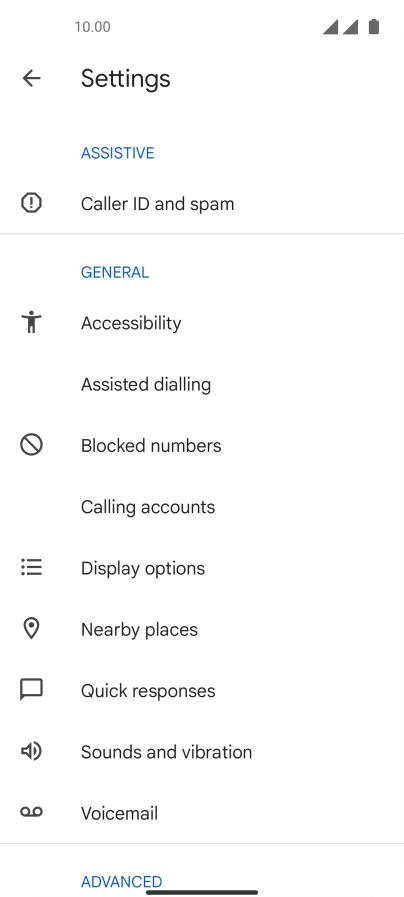
Press Calling accounts.

Step 5 of 10

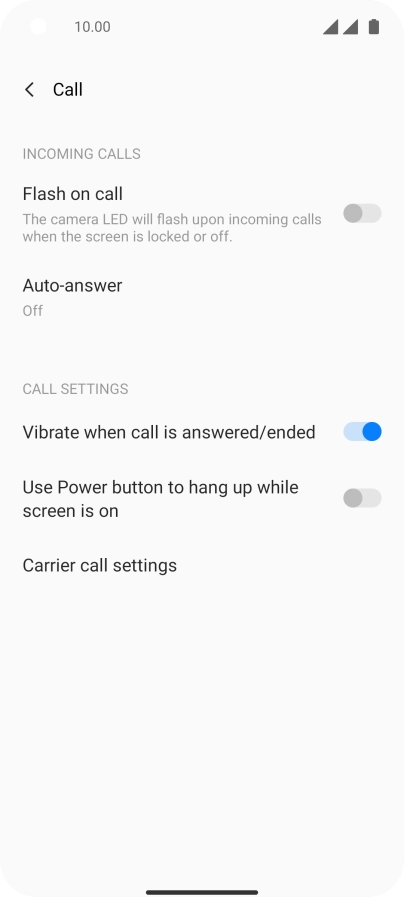
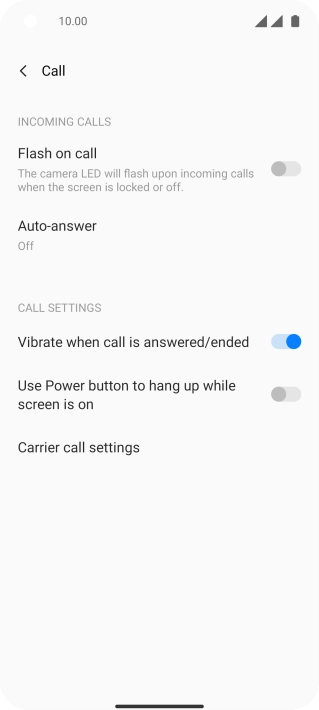
Find "Call forwarding"

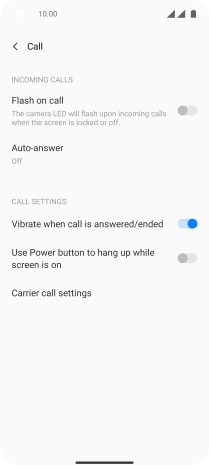
Press Carrier call settings.

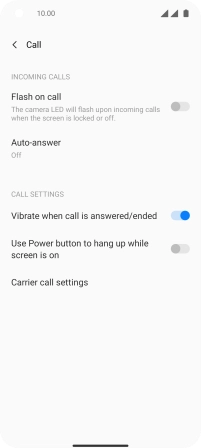
Step 6 of 10

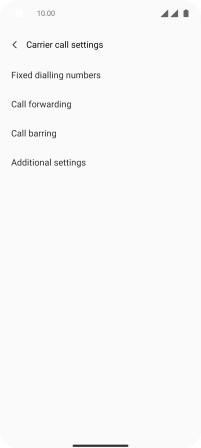
Find "Call forwarding"

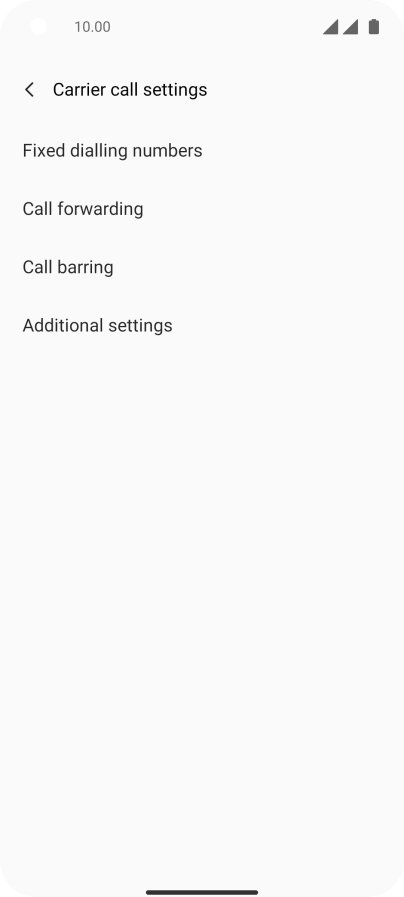
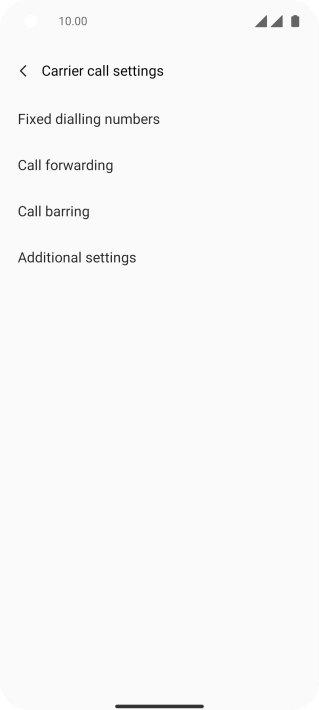
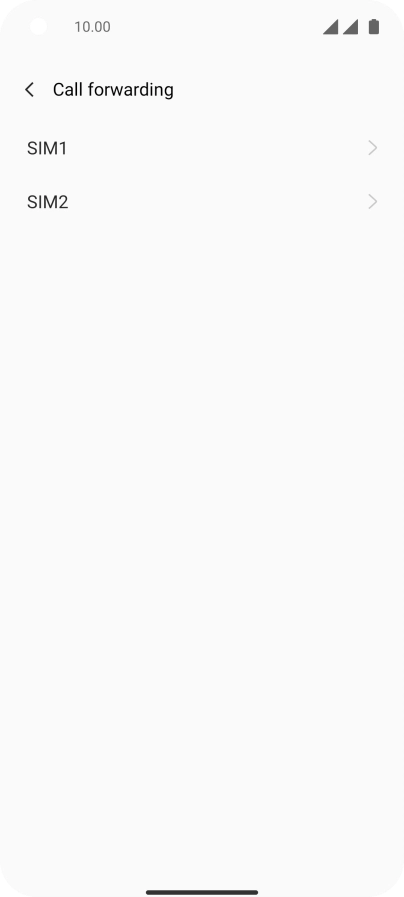
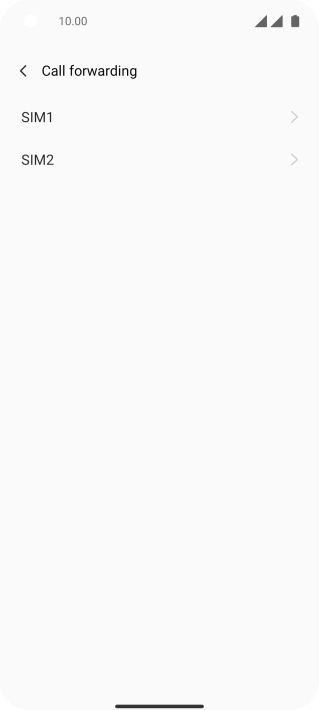
Press Call forwarding.

Step 7 of 10

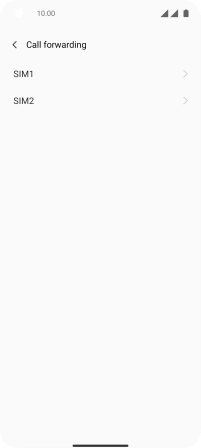
Divert calls to voicemail

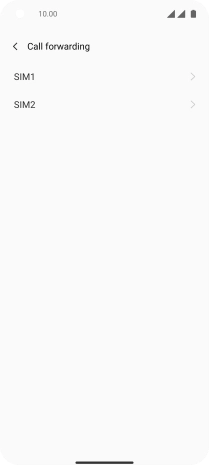
Press the required SIM.

Step 8 of 10

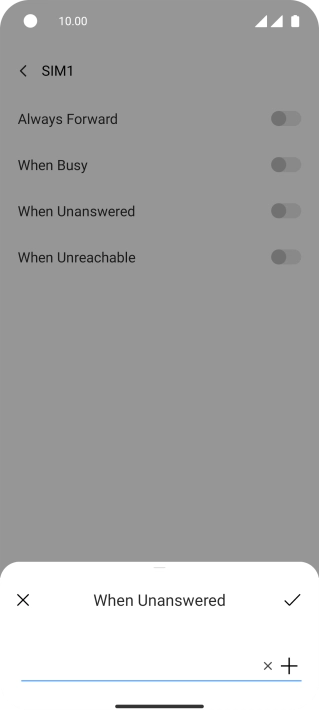
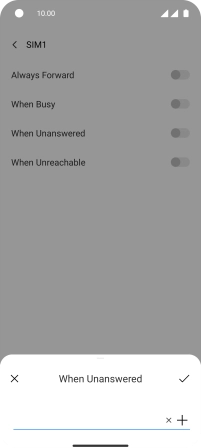
Divert calls to voicemail

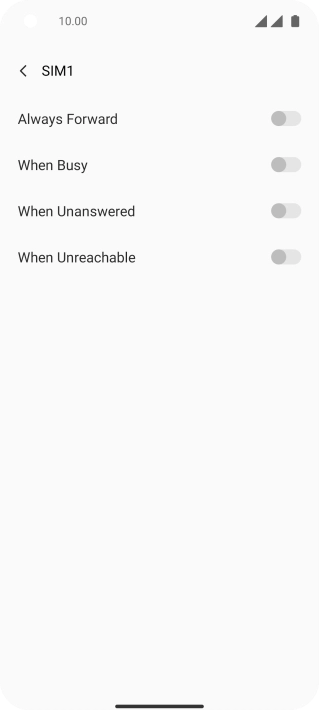
Press the indicator next to the required divert type.

+447836121121
Step 9 of 10

Divert calls to voicemail

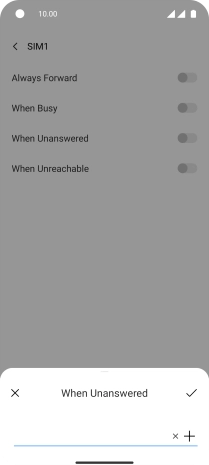
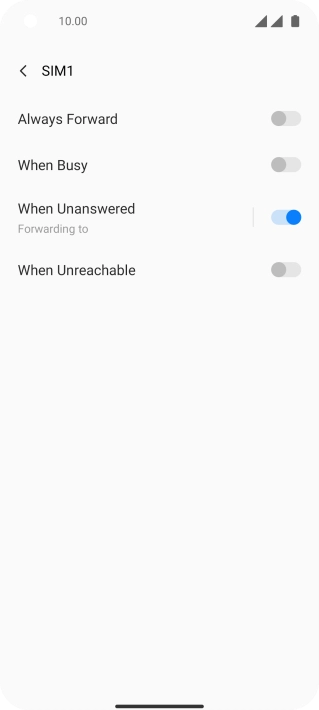
Key in +447836121121 and press the confirm icon.

Step 10 of 10

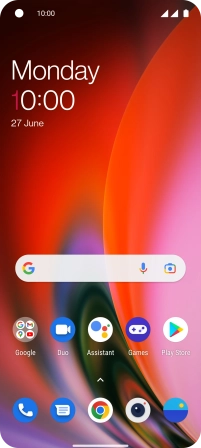
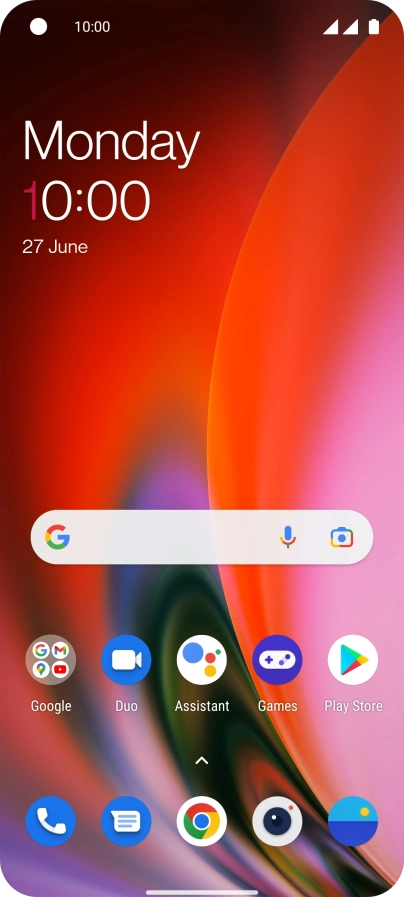
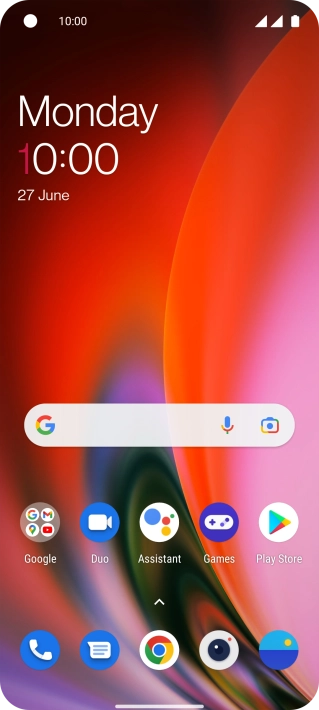
Return to the home screen

Slide your finger upwards starting from the bottom of the screen to return to the home screen.

1 Find "Call forwarding"

Press the phone icon.
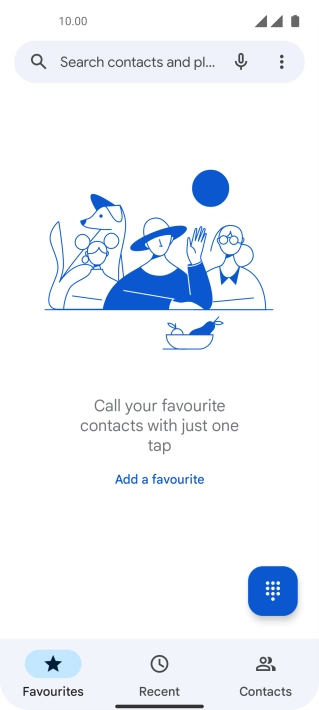
Press the menu icon.
Press Settings.
Press Calling accounts.
Press Carrier call settings.
Press Call forwarding.

2 Divert calls to voicemail

Press the required SIM.
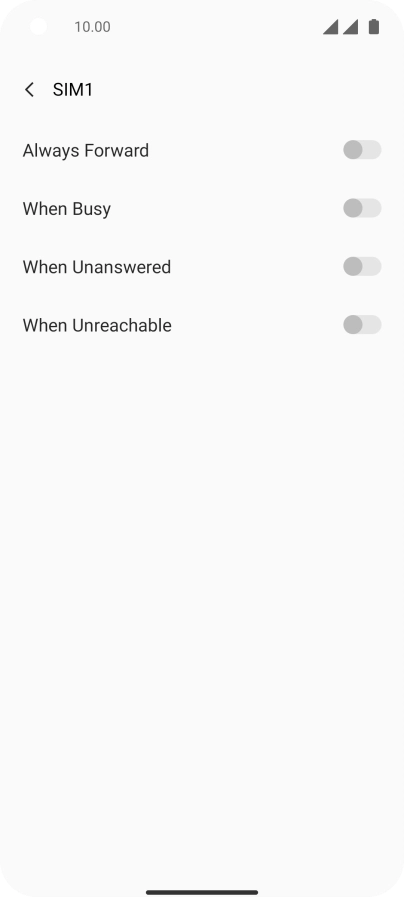
Press the indicator next to the required divert type.
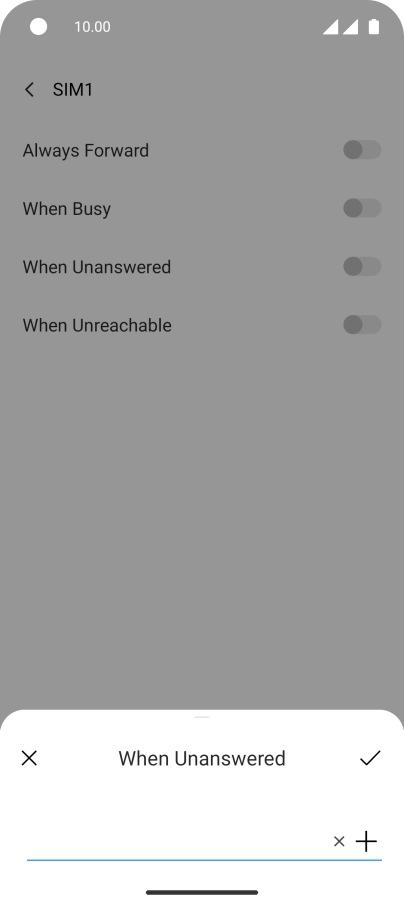
Key in +447836121121 and press the confirm icon.
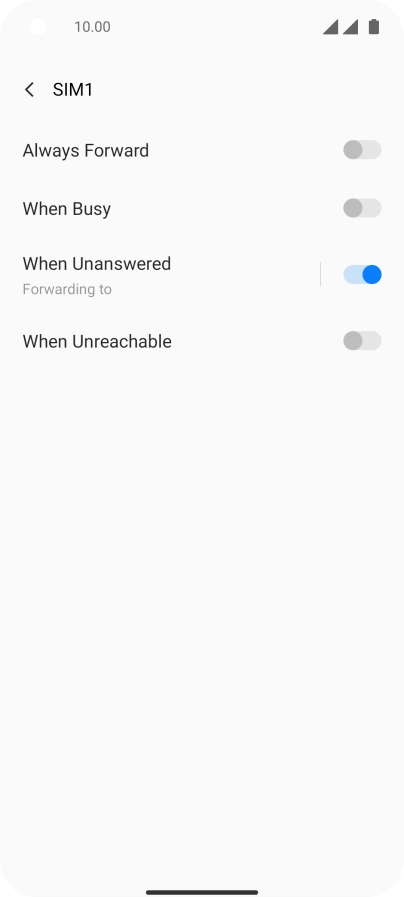
+447836121121

3 Return to the home screen

Slide your finger upwards starting from the bottom of the screen to return to the home screen.

Did this solve the problem?

Yes - All solved No - Go to next cause

Get information on...

Or choose...