

Samsung Galaxy A70
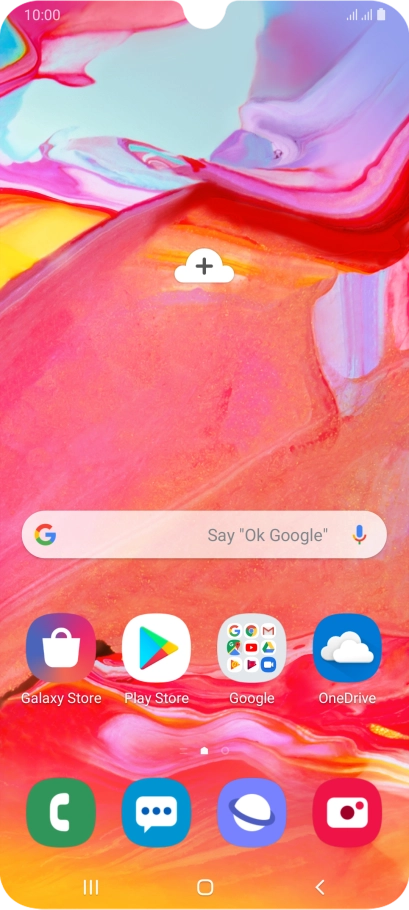
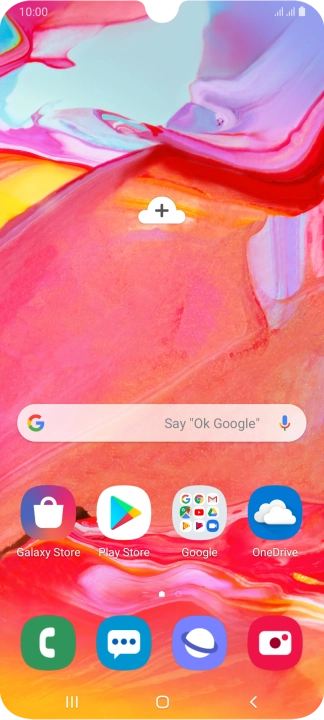
Find "Text messages"
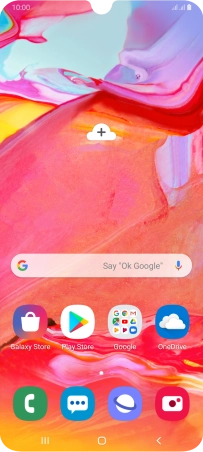
Press the message icon.


Find "Text messages"
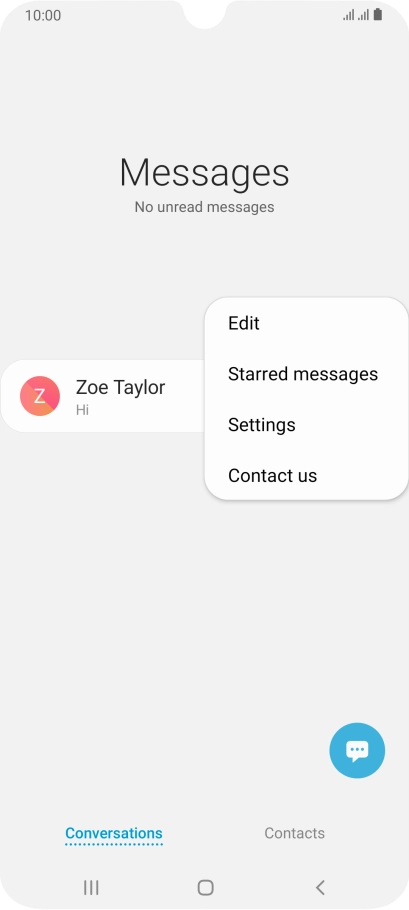
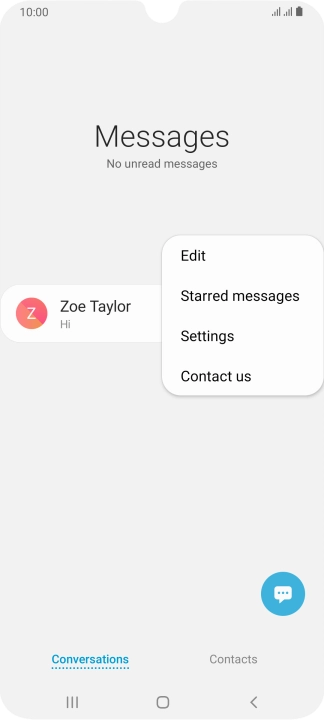
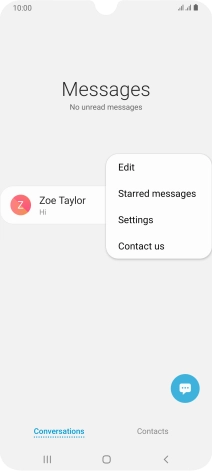
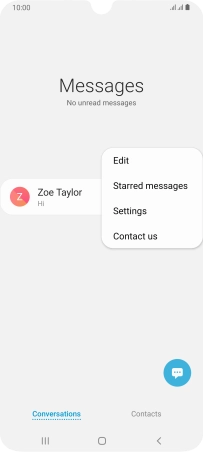
Press the menu icon.
Find "Text messages"
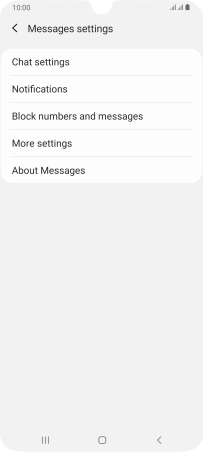
Press Settings.
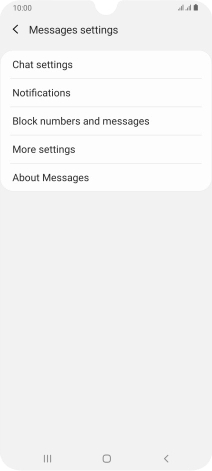
Find "Text messages"
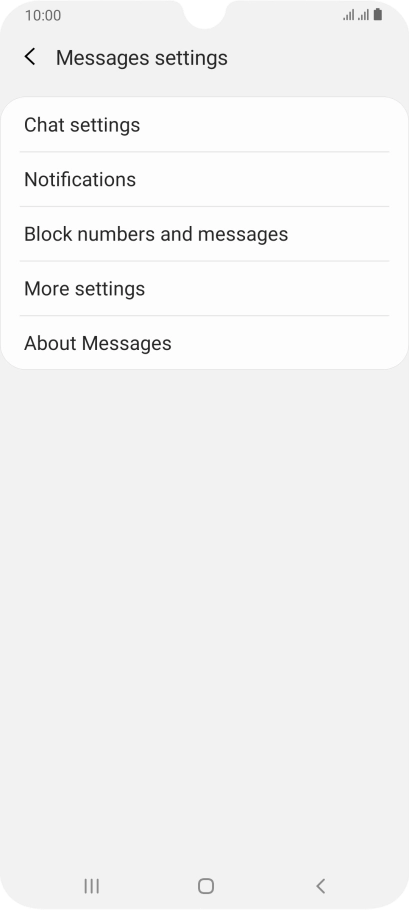
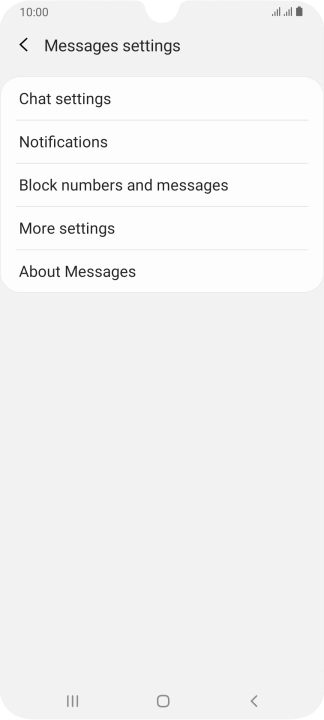
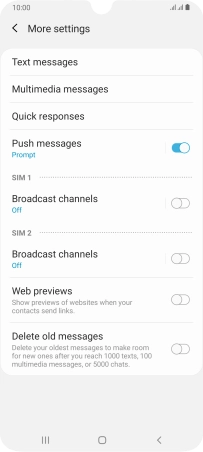
Press More settings.
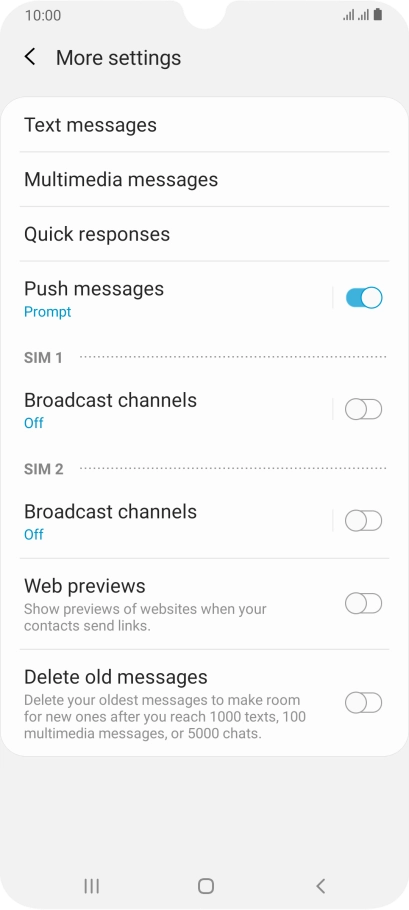
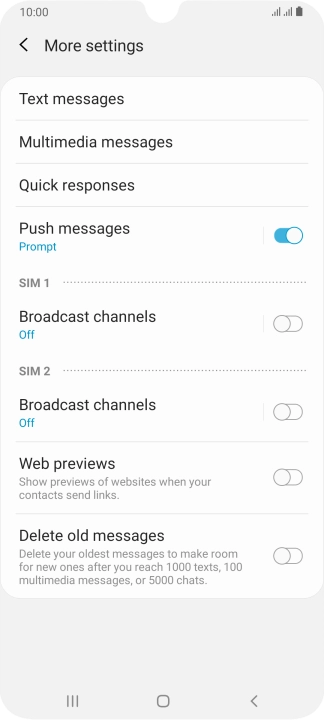
Find "Text messages"
Press Text messages.
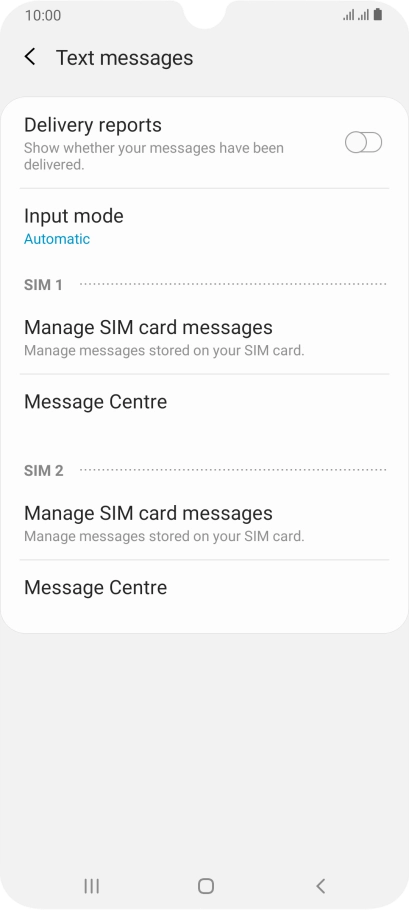
Set the message centre number
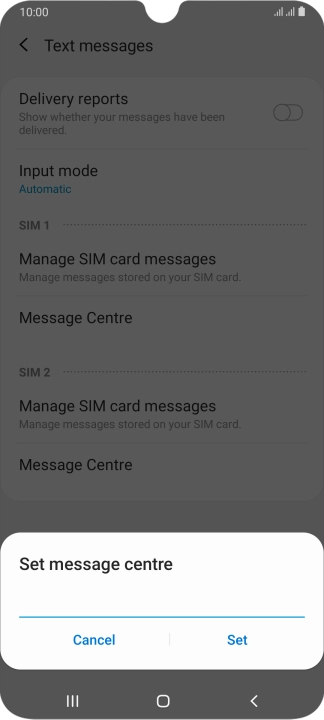
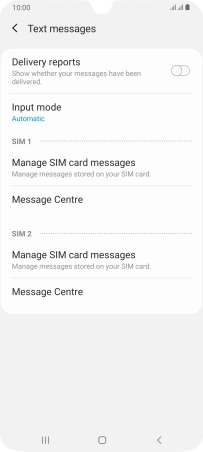
Press "Message Centre" below the required SIM.
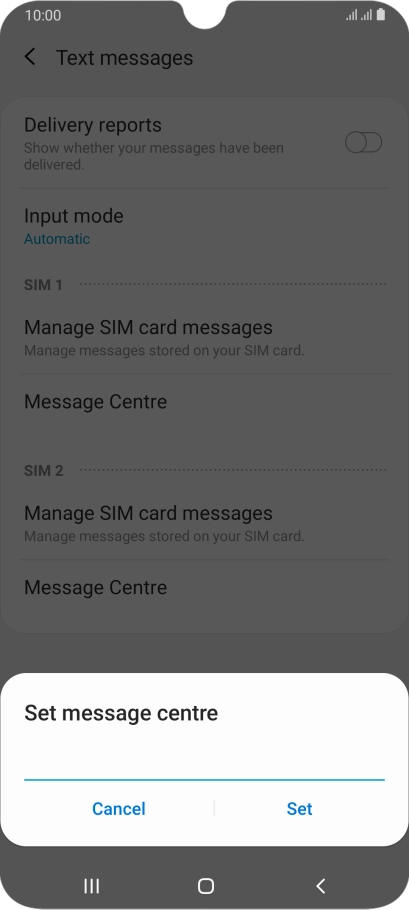
Set the message centre number
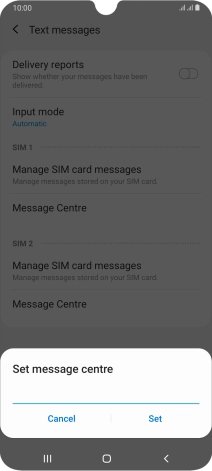
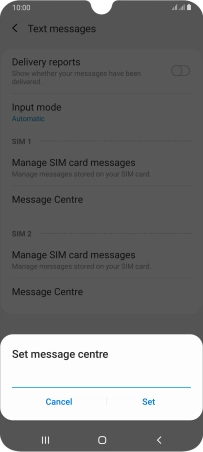
Key in +447785014317 and press Set.
Return to the home screen
Press the Home key to return to the home screen.
1 Find "Text messages"

2 Set the message centre number
3 Return to the home screen


Get the App

